External hard drives can be quite useful for storing large amounts of data, transferring files, and creating backups of important files. However, it can be quite frustrating when an external hard drive fails to show up on a computer. In this write-up, we’ll look at some reasons why an external hard drive may not be visible and provide some possible solutions.
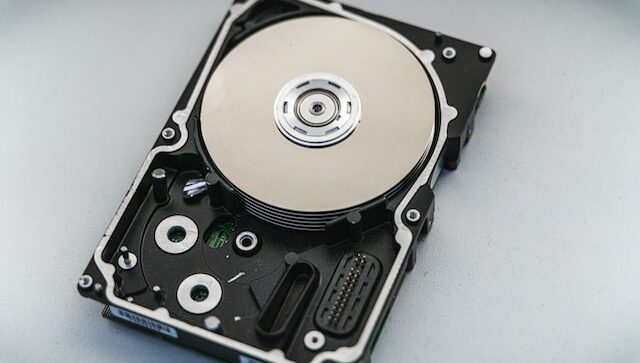
One common reason why an external hard drive may not appear is connection issues. Ensure that the cable connecting the hard drive to the computer is firmly plugged in on both ends. Also, try using a different USB port to ensure that the port is not faulty.
Another reason for an external hard drive not being visible is due to driver problems. Some external hard drives require specific drivers to be installed on the computer before they can be recognized. Check the manufacturer’s website for the hard drive and download and install any necessary drivers. If this doesn’t work, try plugging the hard drive into a different computer to see if it is recognized, which can help determine if the issue is with the hard drive or the computer’s drivers.
If the external hard drive is still not visible, it may be necessary to check the disk management tool in the computer’s operating system. On a Windows computer, this can be accessed by right-clicking on the Start button and selecting “Disk Management”. Look for the external hard drive in the list of disks and ensure that it is formatted correctly. If it is unallocated or has an incorrect format, it may need to be formatted or partitioned to be recognized by the computer.
Sometimes, the external hard drive may not be recognized due to a problem with the hard drive itself. Check to see if the hard drive is making any unusual noises or if there are any physical damages to the drive. If the hard drive is making clicking or grinding noises, it may indicate a mechanical issue, and the hard drive may need to be replaced.
In case the external hard drive is not visible due to a logical issue, such as a corrupted file system or partition table, it may be possible to recover the data using data recovery software. However, avoid writing any new data to the hard drive to prevent further damage and seek the assistance of a professional data recovery service to avoid data loss.
In conclusion, troubleshooting an external hard drive that is not visible on a computer can be a frustrating task. However, with these simple solutions, you can easily resolve the issue and continue to use your external hard drive as desired.