Toshiba external hard drives come with a cable that connects the drive to your computer, enabling you to transfer data between the two. The type of cable you need depends on the specific Toshiba hard drive you have. Here’s a rundown of the different cable types and what to look for when selecting a cable for your Toshiba external hard drive:
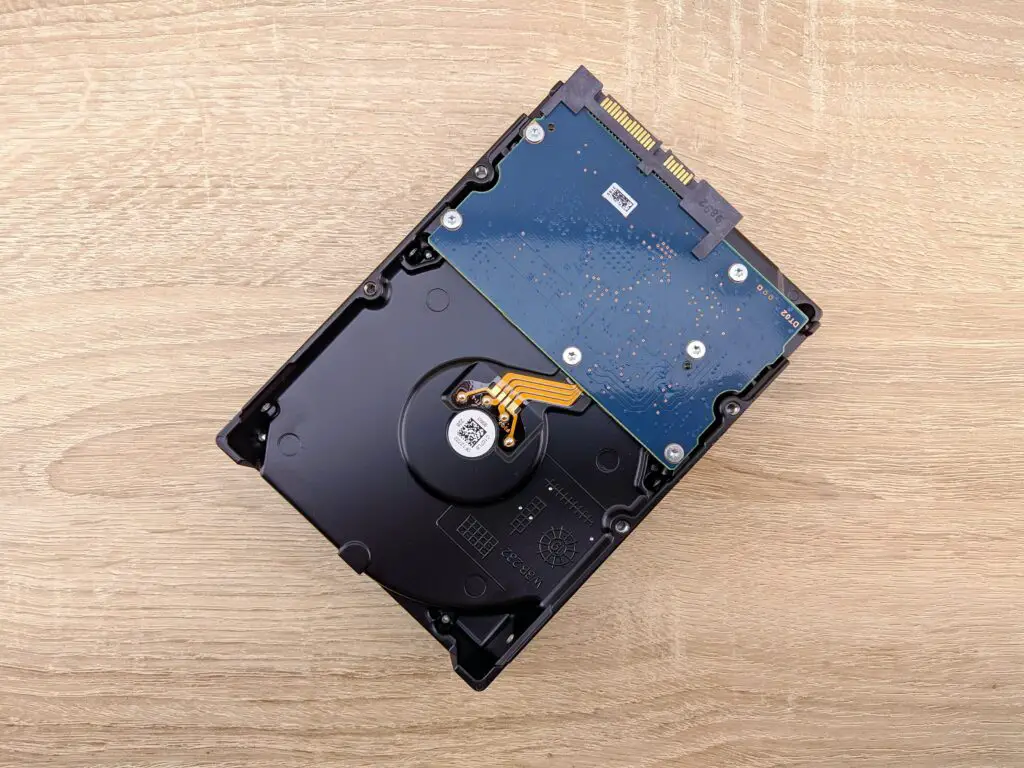
- USB-A to Micro-B: This cable is used for many of the older Toshiba external hard drives, particularly those with USB 2.0 connections. The USB-A end of the cable plugs into your computer’s USB port, while the Micro-B end plugs into the Toshiba hard drive.
- USB-A to USB-C: This cable is used for newer Toshiba external hard drives with USB-C connections. The USB-A end plugs into your computer’s USB port, while the USB-C end plugs into the Toshiba hard drive.
- USB-C to USB-C: Some newer Toshiba external hard drives have USB-C ports on both ends, in which case you will need a USB-C to USB-C cable to connect the drive to your computer. This type of cable is typically used with newer computers that have USB-C ports.
When selecting a cable for your Toshiba external hard drive, there are a few things to keep in mind. First, make sure the cable is compatible with your specific hard drive model. You can typically find this information in the product manual or on the Toshiba website.
Next, consider the length of the cable. You want a cable that is long enough to allow you to comfortably use your external hard drive without having to sit too close to your computer. However, a cable that is too long can be cumbersome and may get in the way.
Finally, consider the quality of the cable. A high-quality cable is less likely to break or malfunction, which can lead to data loss or other problems. Look for cables that are made from durable materials and have strong connectors.
In summary, the type of cable you need for your Toshiba external hard drive depends on the specific model and the type of connection it uses. When selecting a cable, make sure it is compatible with your hard drive, consider the length of the cable, and choose a high-quality cable to ensure reliable performance.