If your Vizio smart TV is not connecting to Wi-Fi, there are several possible reasons and solutions that you can try. Below are some steps you can take to troubleshoot the issue.
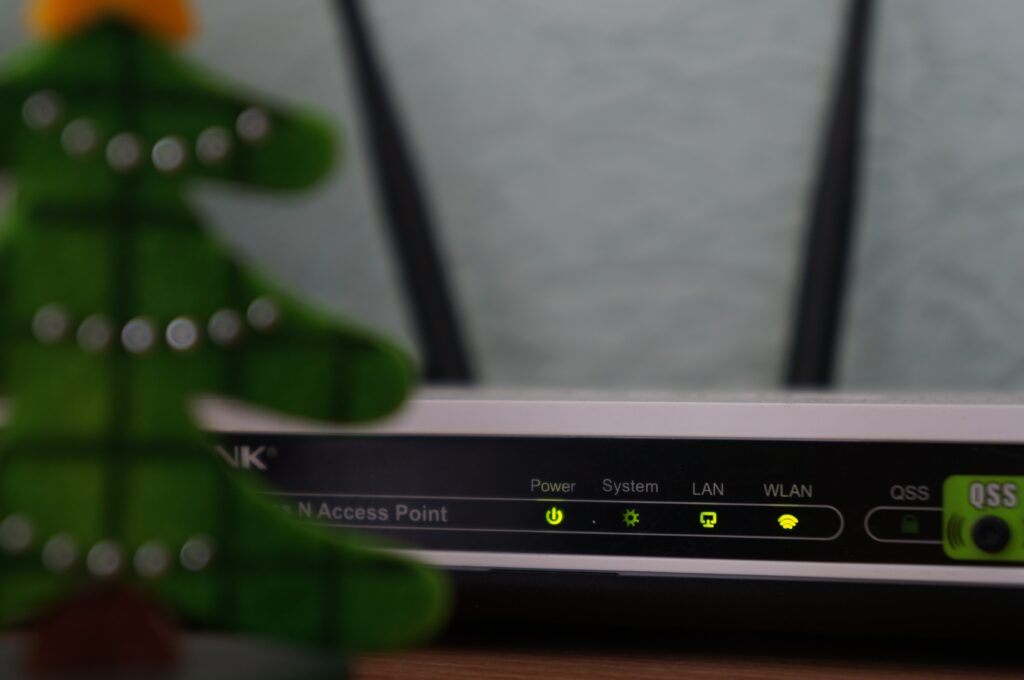
- Check your Wi-Fi connection: First, make sure that your Wi-Fi is working properly by checking the connection on other devices such as your smartphone or laptop. If your Wi-Fi is not working, you can try resetting your router by unplugging it for a few minutes and then plugging it back in.
- Check the network settings on your TV: Go to the network settings on your TV and make sure that your Wi-Fi network is selected. Also, check to see if your TV is set to connect to your Wi-Fi automatically.
- Restart your TV: Sometimes, a simple restart can solve the problem. Try turning off your TV and unplugging it for a few minutes before plugging it back in and turning it back on.
- Reset your TV’s network settings: If the above steps do not work, you can try resetting your TV’s network settings. Go to the network settings on your TV and select the option to reset them to their default settings.
- Update your TV’s firmware: An outdated firmware can also cause connectivity issues. Check to see if your TV’s firmware is up to date and update it if necessary.
- Move your TV closer to your router: Sometimes, the signal strength may not be strong enough for your TV to connect to your Wi-Fi. Try moving your TV closer to your router and see if that helps.
- Check for interference: Other electronic devices, such as microwaves or cordless phones, can interfere with your Wi-Fi signal. Make sure that your TV is not located near any such devices.
- Contact your Internet Service Provider: If none of the above steps work, there may be an issue with your internet connection. Contact your ISP for further assistance.
In conclusion, if your Vizio smart TV is not connecting to Wi-Fi, there are several steps you can take to troubleshoot the issue. It is essential to check your Wi-Fi connection, network settings on your TV, update firmware, reset network settings, and ensure there are no interferences. If none of these solutions work, contacting your ISP can be the last option to get it resolved.
Vizio Smart TV not connecting to Wi-Fi?