If you are experiencing color problems with your Vizio TV, such as washed-out colors, incorrect colors, or a lack of color, there are several things you can try to fix the issue. Here are some troubleshooting steps to follow:
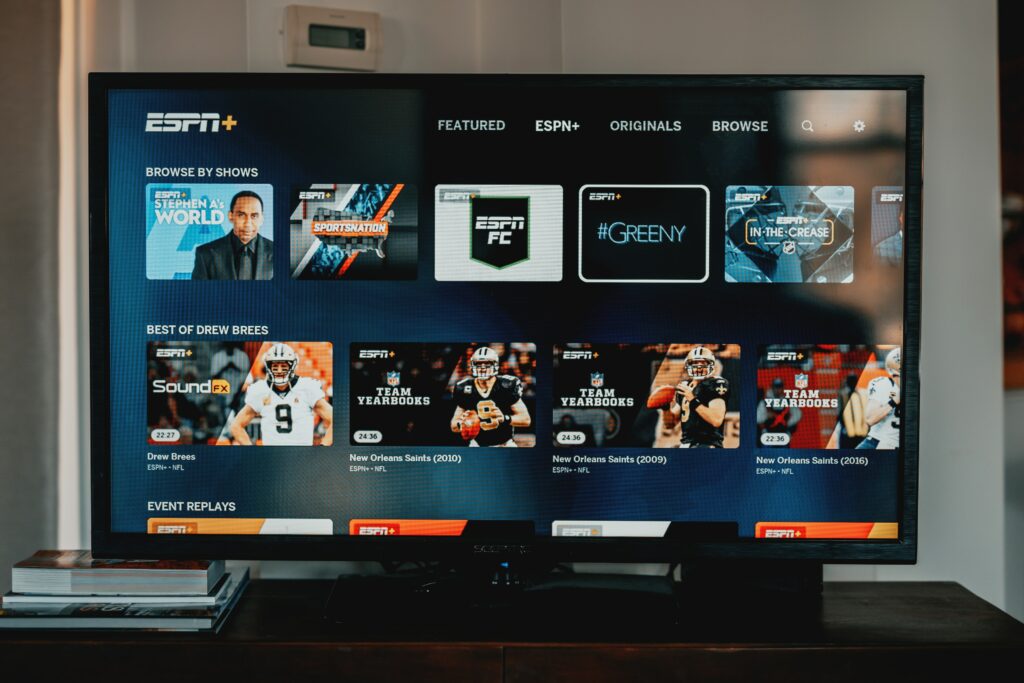
- Check the color settings: Make sure the TV’s color settings are set correctly. You can adjust the color settings through the TV’s settings menu. Make sure the color temperature, saturation, and tint settings are set correctly.
- Check the video source: Make sure the correct input source is selected on the TV. If you are using a cable box or other external device, make sure it is turned on and connected properly to the TV.
- Check the cable connections: Ensure all cable connections are secure and properly plugged in. This includes the HDMI or other video cables, power cable, and any other cables connected to the TV.
- Reset the TV: Some Vizio TVs have a factory reset option that can fix issues with the TV. Check the user manual or Vizio website for instructions on how to perform a factory reset.
- Update the firmware: Check if there are any firmware updates available for your Vizio TV. Updating the firmware can fix bugs and improve the TV’s performance.
- Contact Vizio support: If none of these steps resolve the issue, contact Vizio customer support for further assistance. They may be able to provide additional troubleshooting steps or recommend a repair service.
- Check for interference: If the color problem is intermittent or appears only on certain channels or programs, it could be due to interference from other electronic devices. Try turning off nearby devices or moving them further away from the TV to see if this helps.
- Check the backlight: If the colors are washed out or the screen appears dim, the backlight may be malfunctioning. You can test this by shining a flashlight on the screen and checking if you can see an image. If the backlight is the issue, you may need to replace it.
- Adjust the color balance: Some Vizio TVs allow you to adjust the color balance manually. Check the user manual or Vizio website for instructions on how to do this.
In summary, if you are experiencing color problems with your Vizio TV, check the color settings, video source, and cable connections. Reset the TV, update the firmware, or contact Vizio support if necessary. Check for interference or adjust the color balance if needed. If the backlight is the issue, you may need to replace it.
Vizio TV color problem