If your Vizio TV keeps restarting, it can be a frustrating experience. There are several potential reasons why your Vizio TV may be restarting on its own, ranging from technical glitches to power-related issues. In this article, we’ll explore some of the most common causes of this problem and suggest some possible solutions.
- Firmware update issues: Sometimes, Vizio releases firmware updates to address bugs or add new features to their TVs. However, if something goes wrong during the update process, it can cause your TV to restart repeatedly. If your Vizio TV started having this issue after a firmware update, it is likely that the update wasn’t installed correctly. To fix this, you can try updating your TV again by following the instructions provided by Vizio. If the update fails again, you may need to contact Vizio support for assistance.
- Power issues: If your Vizio TV is not getting enough power, it may restart unexpectedly. This could be caused by a faulty power outlet or power strip, a loose power cord, or a power supply issue. Try plugging your TV into a different outlet, using a different power strip, or checking the power cord for damage. If the problem persists, it may be a power supply issue, and you may need to contact Vizio for repair or replacement.
- Overheating: If your Vizio TV is overheating, it may restart as a safety measure. Overheating can be caused by a dirty or clogged air vent or a malfunctioning cooling fan. To fix this, make sure the air vents on your TV are clear and unobstructed. You can also try placing a fan near your TV to help circulate air and keep it cool.
- Hardware issues: If your Vizio TV has a hardware issue, such as a failing component or a loose connection, it may restart unexpectedly. This can be difficult to diagnose without opening up the TV, which should only be done by a qualified technician. If you suspect a hardware issue, contact Vizio support for assistance.
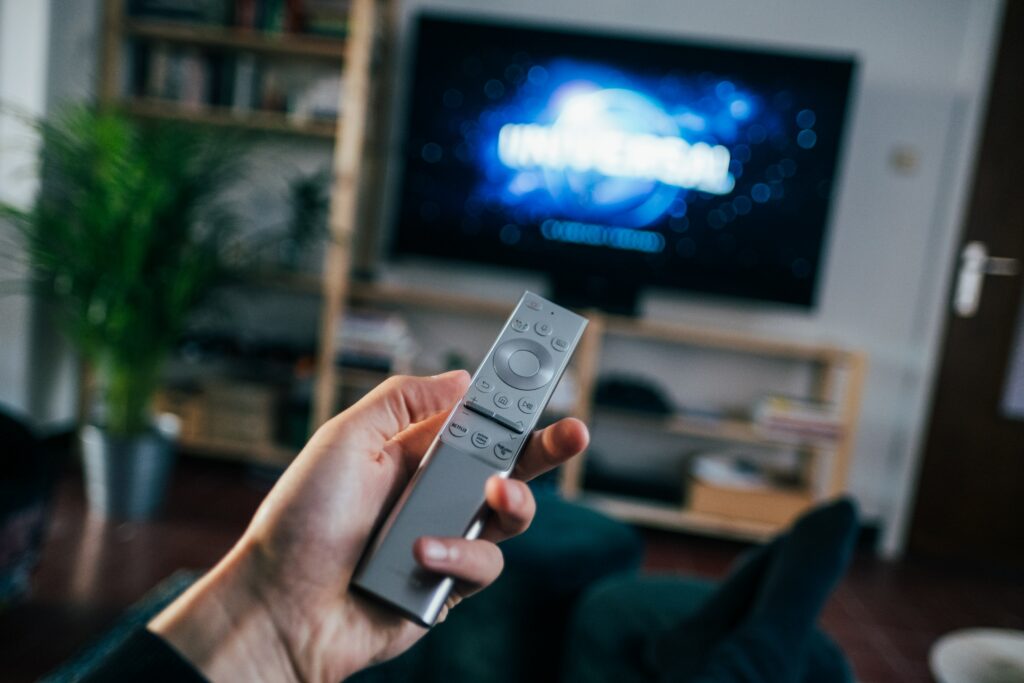
- Remote control issues: In some cases, a malfunctioning remote control can cause your Vizio TV to restart. This can happen if the remote control is sending signals to the TV that it doesn’t understand or if the batteries are low. Try replacing the batteries in your remote control or using a different remote control to see if the problem persists.
In conclusion, if your Vizio TV keeps restarting, it can be frustrating, but there are several possible solutions. Try updating the firmware, checking the power supply, clearing the air vents, and checking the remote control. If none of these solutions work, contact Vizio support for assistance.
Vizio TV keeps restarting?