If your Vizio TV keeps switching to SmartCast mode, it can be frustrating and disrupt your viewing experience. SmartCast is a feature on Vizio TVs that allows you to access streaming content, such as Netflix, Hulu, and Amazon Prime Video, without needing a separate streaming device. Here are some possible causes and solutions to fix your Vizio TV from switching to SmartCast mode:
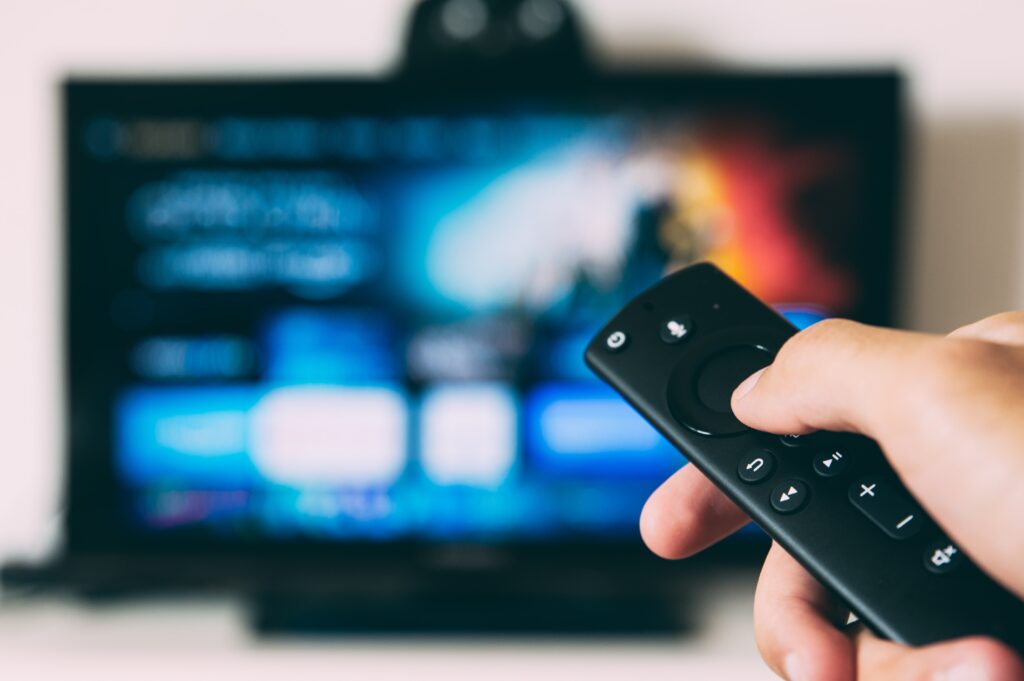
- Remote control: Check your remote control to make sure that the “SmartCast” button is not stuck or being pressed unintentionally. If the button is stuck, try gently cleaning it or replacing the batteries in the remote. If the button is being pressed unintentionally, try keeping the remote away from other objects that may be causing interference.
- HDMI-CEC: HDMI-CEC is a feature that allows devices connected through HDMI to control each other’s functions. It is possible that the connected device is sending a command to switch to SmartCast mode. Try turning off HDMI-CEC on both your TV and the connected device to see if this resolves the issue.
- SmartCast mobile app: If you have the SmartCast mobile app installed on your mobile device, it may be causing your TV to switch to SmartCast mode. This can happen if the app is trying to connect to your TV or if the app is open on your device. Try closing the app on your mobile device and see if this resolves the issue.
- Wi-Fi network: If your TV is connected to the internet through Wi-Fi, the network connection may be causing the issue. Try resetting your Wi-Fi router and reconnecting your TV to the network. You can also try switching to a different Wi-Fi network to see if this resolves the issue.
- Factory reset: If none of the above solutions work, you can try performing a factory reset on your Vizio TV. This will erase all settings and data on the TV and return it to its original state. To perform a factory reset, go to the “System” menu on your TV and select “Reset & Admin.” Then, select “Reset to Factory Settings” and follow the on-screen instructions.
- Contact Vizio customer support: If you have tried all the above solutions and your Vizio TV still keeps switching to SmartCast mode, you may need to contact Vizio customer support. They can provide additional troubleshooting steps or arrange for a repair or replacement if necessary.
In summary, if your Vizio TV keeps switching to SmartCast mode, it can be caused by a stuck or malfunctioning button on the remote control, HDMI-CEC, the SmartCast mobile app, Wi-Fi network issues, or a need for a factory reset. Try the above solutions to resolve the issue, and if all else fails, contact Vizio customer support for further assistance.
Vizio Tv Keeps Switching To Smartcast