If you own a Vizio TV, you may experience the frustrating issue of your TV turning off by itself. This issue can occur due to several reasons, and in this article, we will explore possible causes and solutions for this problem.
First, let’s consider power issues. If your Vizio TV keeps turning off, the first thing to check is whether the TV is correctly plugged into a functional power outlet. Check the power cord for any damage or frayed wires, and if you find any damage, replace the cord with a new one. Additionally, try plugging the TV into a different power outlet to see if the problem persists.
Another possible cause of your Vizio TV turning off is the sleep timer setting. Some Vizio TV models come with a sleep timer function that automatically turns off the TV after a certain amount of time. If this function is enabled, your TV will turn off by itself. To disable the sleep timer, go to the TV’s settings menu, navigate to the sleep timer option, and turn it off.
Firmware updates can also cause Vizio TVs to turn off by themselves. Vizio releases firmware updates periodically to improve their performance and fix any issues. If your Vizio TV keeps turning off, check whether there is a firmware update available for your TV model. To check for updates, navigate to the TV’s settings menu, find the system update option, and select “check for updates.” If there is an update available, download and install it.
Overheating is another common reason why Vizio TVs turn off by themselves. When the TV’s internal temperature exceeds a certain threshold, it will automatically shut off to prevent damage to the components. If your Vizio TV is located in a place with poor ventilation, or if it’s stacked on top of other devices, it may be overheating. Try moving the TV to a cooler location and ensure that it has sufficient ventilation. You can also clean the vents and fans to remove any dust or debris that may be blocking the airflow.
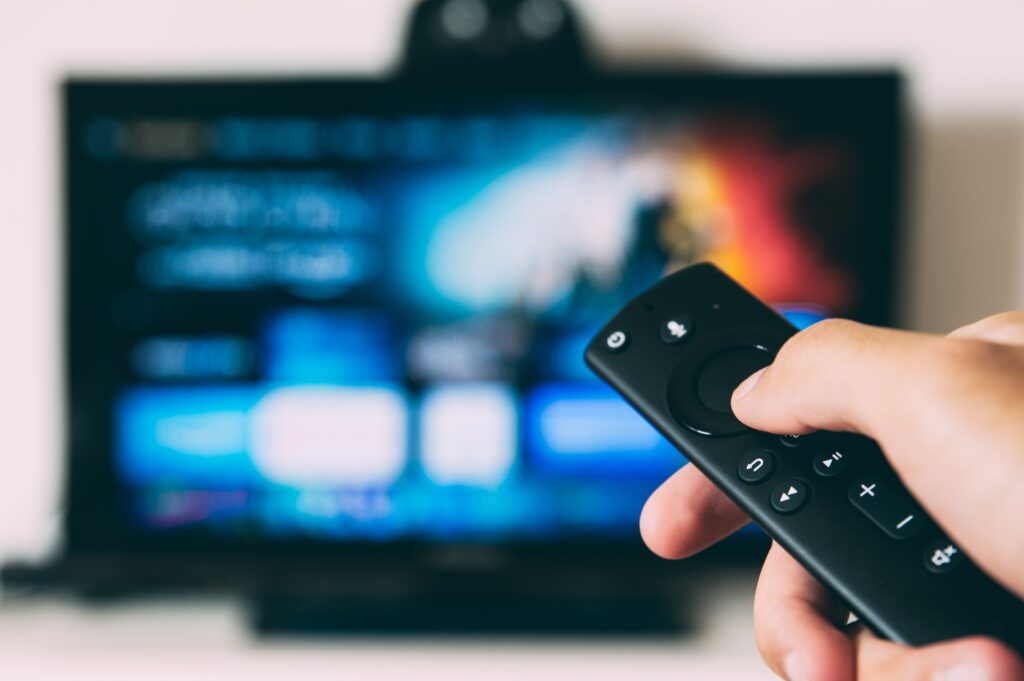
Remote control issues can also cause Vizio TVs to turn off by themselves. This can occur if the remote control’s buttons are stuck or if it’s sending signals accidentally. To troubleshoot this issue, remove the batteries from the remote control and see if the TV still turns off by itself. If the TV stays on, it means the remote control was causing the problem. Replace the batteries or get a new remote control.
Finally, faulty hardware can cause your Vizio TV to turn off by itself. Faulty components such as the power supply, mainboard, or backlight can cause the TV to turn off by itself. If none of the above solutions work, contact Vizio’s customer support or a certified technician to diagnose and repair the issue.
In conclusion, a Vizio TV that keeps turning off by itself can be caused by several factors, including power issues, sleep timer setting, firmware update, overheating, remote control issues, or faulty hardware. By checking these factors and following the solutions provided, you can fix the problem and enjoy uninterrupted TV viewing.