The menu button on a Vizio TV is a crucial feature that allows users to access various settings and options available on the TV. It can be found on the TV’s remote control and when pressed, it opens an on-screen menu with different options to choose from. The menu button is essential for adjusting and customizing your TV’s settings to your liking.
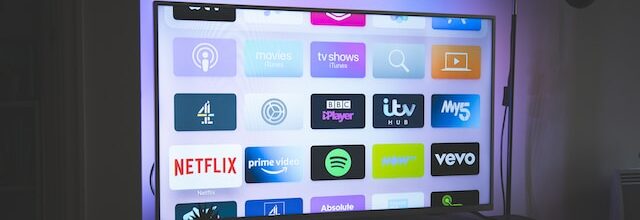
To use the menu button effectively, it is important to understand the various options available in the on-screen menu, which is usually divided into different categories such as Picture, Sound, Network, and System. The directional buttons on the remote control can be used to navigate within the menu and make changes to the settings. The select button located in the center of the directional buttons on the remote control is used to confirm changes.
Some Vizio TVs may also have a menu button located on the TV itself, which can be used to access the on-screen menu in the absence of a remote control or if the remote control is not working.
It is essential to note that Vizio TVs may have different menu options and settings, depending on the TV’s model and year of manufacture. To find specific information about your TV’s menu options, refer to the user manual that came with your TV or visit the Vizio website for support.
In conclusion, the menu button on a Vizio TV is a vital feature that enables users to access and customize various settings and options. With the proper understanding of the on-screen menu and different options available, users can personalize their TV’s picture and sound settings, network settings, and other advanced options to their liking.