If you’re experiencing issues with your Vizio TV remote not responding, there are several steps you can take to troubleshoot the problem. Some potential causes of a non-responsive remote may include dead or low batteries, a blocked or dirty remote sensor, Bluetooth connection issues, outdated software, or electronic device interference.
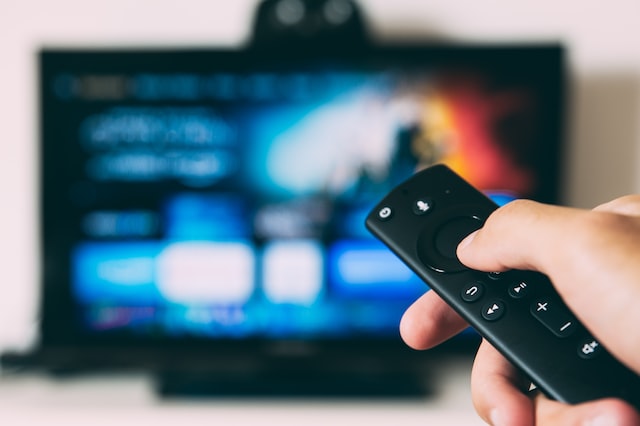
Before taking any steps, it’s essential to make sure you have fresh batteries in your remote control. If the batteries are old or low, the remote may not work properly. Replacing the batteries with fresh ones is a simple and quick fix that may resolve the issue.
Next, check the remote sensor on your TV. The sensor may be blocked or dirty, causing the remote to not work. To clean the sensor, ensure there’s nothing blocking it and use a soft cloth to gently wipe it.
If you have a spare Vizio remote, try using it to see if it works. If the spare remote works, then the original remote may be faulty. In this case, you can try to repair the remote by opening it up and cleaning it, or you may need to replace it.
Another step to try is to restart your TV. Restarting your TV can help resolve any issues with the remote. Turn off your TV and unplug it for a few minutes. Then, plug it back in and turn it on.
If your remote uses Bluetooth to connect to your TV, it may be helpful to pair it again. To do this, consult your TV’s user manual for instructions on how to pair the remote.
If none of the above steps work, you may need to reset your remote. To reset your remote, remove the batteries and press each button on the remote once. Then, replace the batteries and try using the remote again.
Electronic device interference can also cause problems with the remote. Try moving any other electronic devices away from your TV to see if this resolves the issue.
Finally, it may be necessary to update your TV’s software. Outdated software can cause issues with the remote. Check for any available software updates and install them if necessary.
If none of these steps work, it’s best to contact Vizio customer support for further assistance. They can help you diagnose the issue and provide a solution.
In summary, there are several potential causes for a Vizio TV remote not responding, including dead batteries, a dirty sensor, Bluetooth connection issues, outdated software, and electronic device interference. By following these troubleshooting steps, you can narrow down the cause of the problem and hopefully resolve it quickly.