Setting up a Vizio TV can be a challenging task, especially for those who are not tech-savvy. In this article, we will discuss some common Vizio TV setup problems and provide solutions to them.
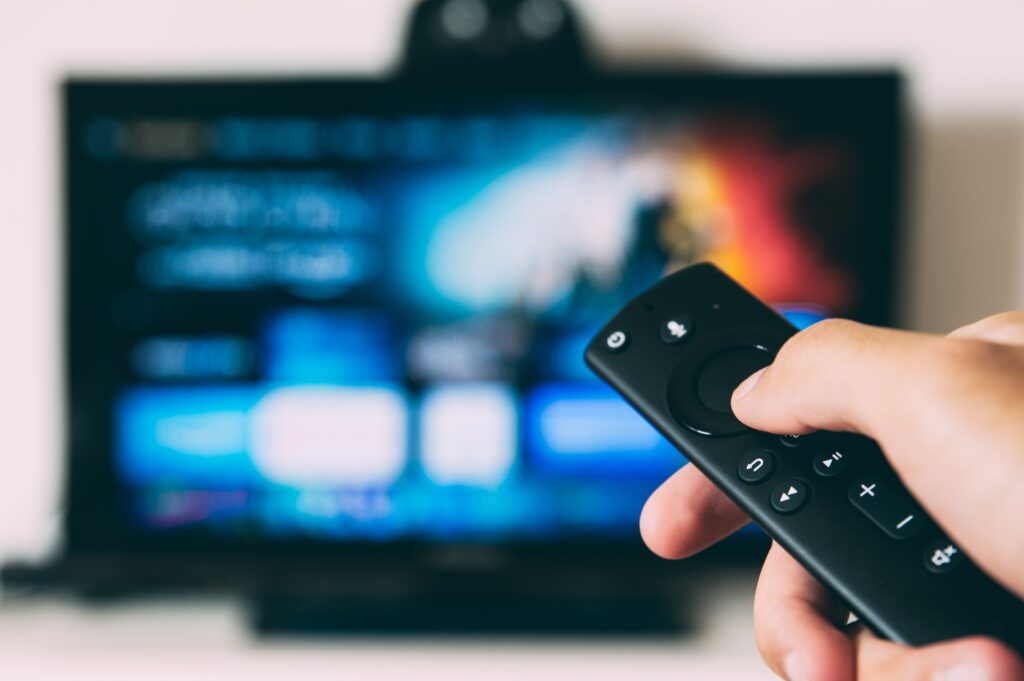
One of the most common problems faced by users is power issues. If your TV is not turning on or is turning off automatically, there could be several reasons for this. Firstly, ensure that the power cable is securely connected to the TV and the wall socket. Secondly, check if the power outlet is working by plugging in another device. If the power outlet is working, and the TV is still not turning on, try resetting the TV by unplugging it for a few minutes and then plugging it back in.
Connectivity issues are also common when setting up a Vizio TV. If your TV is not connecting to the internet, check if the Wi-Fi network is working correctly. If the Wi-Fi network is working fine, try resetting the network settings on your TV by going to Menu > Network > Reset Network Settings. Additionally, you can also try restarting your router to fix any connectivity issues.
Audio problems are another common issue that users may face when setting up a Vizio TV. If you are not getting any sound from your TV, check if the volume is turned up on the TV and the external speakers (if any). Additionally, ensure that the audio output settings are correctly configured. You can access the audio settings by going to Menu > Audio > Advanced Audio > Audio Output.
Remote control issues can also be a problem when setting up a Vizio TV. If the remote control of your TV is not working correctly, try resetting the remote by pressing and holding the power button for 15 seconds. Additionally, ensure that the batteries are properly inserted and not running low on charge. If the remote control still does not work, try replacing the batteries.
Display issues can also be a frustrating problem when setting up a Vizio TV. If your TV is not displaying correctly or the colors appear distorted, ensure that the display settings are correctly configured. You can access the display settings by going to Menu > Picture > Picture Mode. Additionally, try resetting the TV to its factory settings to fix any display issues.
Firmware updates can also impact the performance of your Vizio TV. It is essential to keep your TV updated with the latest firmware to ensure optimal performance. To check for updates, go to Menu > System > System Information > Check for Updates.
Input issues are another problem that users may face when setting up a Vizio TV. If you are not getting any video or audio when connecting a device to your TV, ensure that the correct input is selected. You can access the input settings by pressing the Input button on your remote control. Additionally, check if the cables are correctly connected to the TV and the external device.
Smart TV apps are another feature that users can enjoy with their Vizio TV. However, if you are facing issues with the smart TV apps, ensure that the TV is connected to the internet and that the app is up to date. Additionally, try restarting the TV to fix any app-related issues.
In conclusion, setting up a Vizio TV can be a challenging task, but with the right troubleshooting steps, most issues can be resolved quickly. If you are still facing any problems with your Vizio TV setup, you can refer to the user manual or contact Vizio customer support for assistance.