There are several reasons why a Vizio TV may not be able to connect to Wi-Fi. In this article, we will discuss some of the most common causes and possible solutions.
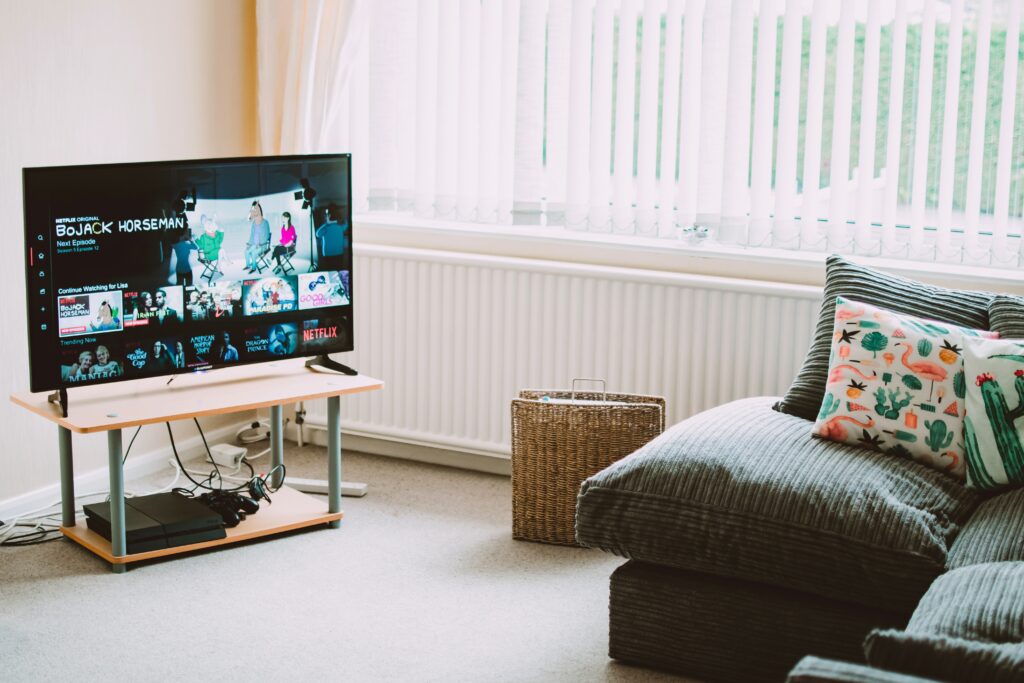
- Weak Wi-Fi Signal: The first thing to check is the strength of the Wi-Fi signal. If the TV is too far away from the router, or if there are obstacles blocking the signal, the TV may not be able to connect to the Wi-Fi network. Try moving the TV closer to the router or removing any obstructions that may be blocking the signal.
- Incorrect Wi-Fi Password: Another common issue is entering the wrong Wi-Fi password. Make sure that the password you are entering is correct, and that there are no typos. If you’re not sure what the password is, check with your internet service provider or the person who set up the Wi-Fi network.
- Network Congestion: If there are too many devices connected to the Wi-Fi network, it may cause congestion and prevent the TV from connecting. Try disconnecting some devices from the network and see if the TV can connect.
- Network Compatibility: Some older Vizio TVs may not be compatible with newer Wi-Fi networks. Check the TV’s user manual to see what types of Wi-Fi networks it supports. If the TV is not compatible with your network, you may need to upgrade your router or purchase a Wi-Fi adapter.
- Router Issues: The problem may also lie with the router itself. Try restarting the router by unplugging it for a few seconds, then plugging it back in. If that doesn’t work, try resetting the router to its default settings. Consult your router’s user manual for instructions on how to reset it.
- Firmware Updates: Make sure that your Vizio TV has the latest firmware updates installed. Check the Vizio website for updates and instructions on how to install them.
- Hardware Issues: If none of the above solutions work, it’s possible that there may be a hardware issue with the TV. Contact Vizio customer support for assistance.
In conclusion, there are several reasons why a Vizio TV may not be able to connect to Wi-Fi. By checking the strength of the Wi-Fi signal, ensuring that the correct password is entered, addressing network congestion, verifying network compatibility, troubleshooting router issues, updating firmware, and addressing potential hardware issues, you can increase the chances of successfully connecting your Vizio TV to your Wi-Fi network.
Vizio TV won’t connect to Wi-fi?