If you’re having trouble getting your Vizio TV to turn on, there are several things you can try to get it working again. Here are some tips to help you troubleshoot the problem:
- Check the power source: First and foremost, make sure your TV is plugged in and the outlet you’re using is working properly. To confirm that the outlet is functioning, try plugging another device into it.
- Check the power cable: If the power source isn’t the issue, inspect the power cable for any signs of damage, such as frayed wires. If you find any damage, you should replace the cable.
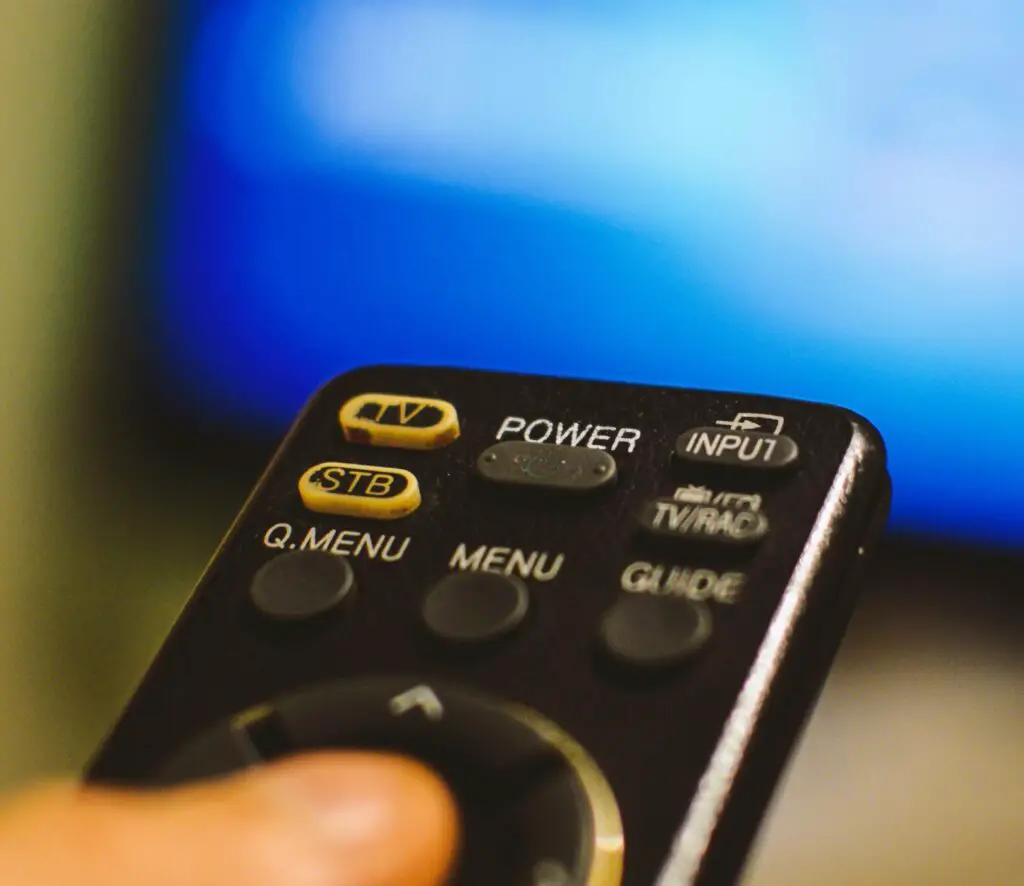
- Check the remote control: If you’re using a remote control to turn on your TV, make sure the batteries are working and that the remote is properly synced with the TV. If you’re not sure if the remote is synced correctly, refer to your TV’s user manual for instructions. You may also need to reset the remote or replace the batteries.
- Check the power button: If you’re using the power button on the TV itself to turn it on, make sure it’s functioning properly. If the button is stuck or unresponsive, try gently pressing it or using a different button on the TV.
- Check for firmware updates: Sometimes, power-related issues can be resolved by updating the firmware on your TV. Check the Vizio website for any available updates and follow the instructions to install them.
- Try a power cycle: Unplug the TV from the power source and wait for 10-15 seconds before plugging it back in. Then, try turning it on again. This can sometimes resolve power-related issues.
- Reset the TV: If none of the above steps work, you may need to reset the TV to its default settings. Refer to your TV’s user manual for specific instructions on how to do this.
If none of these solutions work, it’s possible that there’s a hardware issue with your TV. This is when it’s a good idea to contact Vizio customer support or a professional repair service for further help.
Some common hardware issues that could prevent your TV from powering on include a faulty power supply, a damaged circuit board, or a blown fuse. These issues require technical expertise, so it’s not recommended that you attempt to fix them yourself unless you have the necessary skills and experience.
In summary, there are several things you can try if your Vizio TV isn’t powering on. Start by checking the power source and cable, remote control, power button, and firmware updates. If these don’t work, try a power cycle or resetting the TV to its default settings. If none of these solutions work, contact Vizio customer support or a professional repair service for further help.