If you are facing difficulties with the sound on your Vizio television, there are various potential causes that you should explore. In this guide, we will help you troubleshoot the issue and determine the possible solutions.
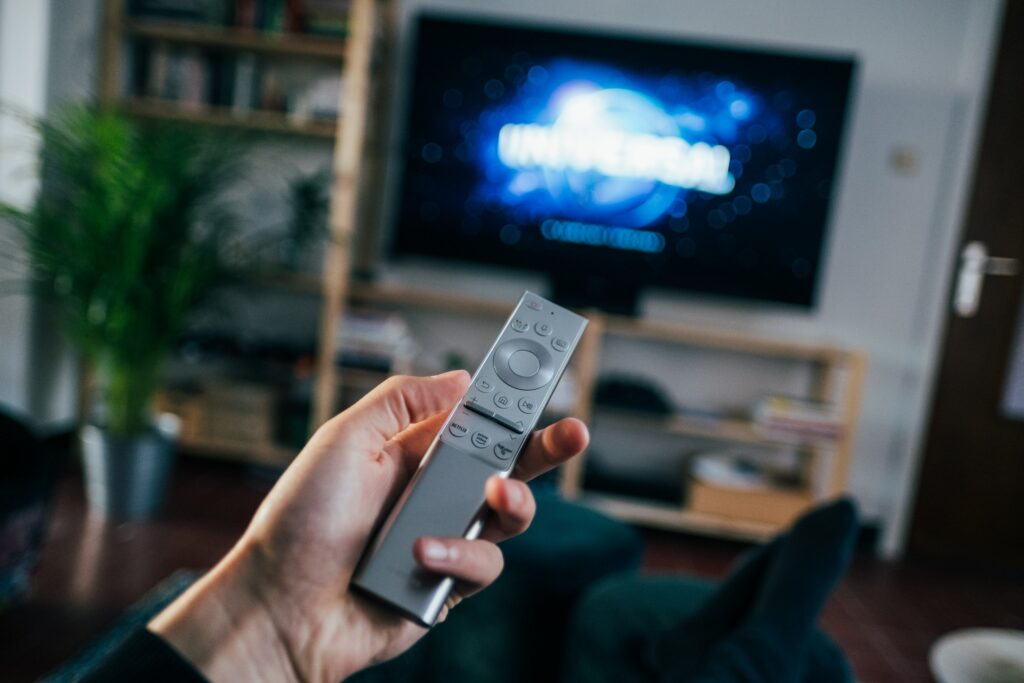
- Check the Volume Settings: The initial step to address issues with the sound on your Vizio TV is to examine the volume settings. Ensure that the volume is not muted or turned all the way down. You can do this by pressing the volume up button on your remote control or the TV itself. If the volume is still not working, attempt to adjust the volume settings in the TV menu. Access the menu by clicking on the menu button on your remote and navigating to the audio or sound settings.
- Check the Audio Input: If the sound on your Vizio TV is not working, it could be an issue with the audio input. Verify that the TV is set to the proper audio input, such as HDMI or RCA. You can switch between inputs by using the input or source button on your remote control.
- Check the Cables: Another potential cause of sound problems on your Vizio TV is defective cables. Ensure that all cables are properly connected and not damaged. If you are using HDMI cables, try switching to a different cable to see if the issue is resolved.
- Check for Software Updates: Sometimes sound issues on your Vizio TV can be fixed by updating the software. Check for any available software updates for your TV model by going to the settings menu and selecting “System” or “Software Update”. Follow the on-screen instructions to update the software.
- Factory Reset: If none of the above solutions have resolved the issue, you may need to perform a factory reset. This will reset the TV to its default settings and can sometimes resolve software-related issues. To perform a factory reset, go to the settings menu and select “System”. Choose “Reset & Admin” and then “Reset TV to Factory Defaults”. Follow the on-screen instructions to complete the reset.
- Contact Vizio Customer Support: If you have tried all of the above solutions and are still experiencing issues with the sound on your Vizio TV, it may be a hardware issue. In this case, contact Vizio customer support for assistance. You can find contact information for Vizio customer support on their website.
In conclusion, there are several potential causes for issues with the sound on your Vizio TV not working. By checking the volume settings, audio input, cables, software updates, performing a factory reset, and contacting customer support, you can identify and resolve the issue.
Volume on Vizio tv not working?