The bell with a line through it is a symbol that appears on the iPhone’s Do Not Disturb mode. This mode is designed to help you avoid distractions and interruptions by preventing your phone from ringing or vibrating when you receive incoming calls or messages. Here’s a closer look at what the bell with a line through it means and how you can use it on your iPhone.
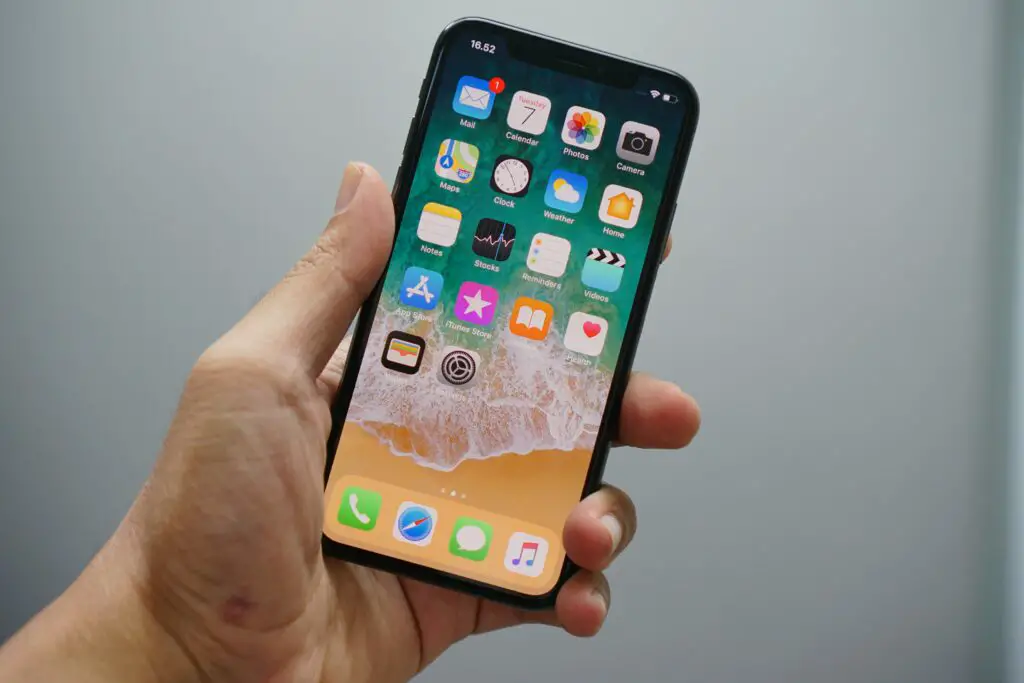
What is Do Not Disturb mode?
Do Not Disturb mode is a feature that allows you to silence calls, messages, and other notifications on your iPhone. When you turn on Do Not Disturb mode, your phone will still receive incoming calls and messages, but it will not make any sound or vibration alerts. Instead, calls and messages will be displayed on the screen, and you can choose to respond to them or ignore them as needed.
How to turn on Do Not Disturb mode
To turn on Do Not Disturb mode on your iPhone, follow these steps:
- Open the Control Center by swiping down from the top right corner of the screen on an iPhone with a Face ID or swiping up from the bottom of the screen on an iPhone with a Home button.
- Tap on the crescent moon icon to turn on Do Not Disturb mode.
- You can also schedule Do Not Disturb mode to turn on automatically during certain times of day, such as when you are sleeping. To do this, go to Settings > Do Not Disturb and set a schedule for when you want the mode to be active.
What does the bell with a line through it mean?
The bell with a line through it is a symbol that appears on the iPhone when Do Not Disturb mode is enabled. This symbol indicates that your phone is in a mode that will prevent incoming calls and messages from making any sound or vibration alerts. Instead, they will be displayed on the screen, and you can choose to respond to them or ignore them as needed.
When you see the bell with a line through it, it means that you are currently in Do Not Disturb mode. This mode can be useful if you need to focus on a task, attend a meeting, or simply want to avoid distractions while you are sleeping. By silencing calls and messages, you can stay more focused and avoid interruptions that could derail your productivity or disrupt your sleep.
How to customize Do Not Disturb mode
Do Not Disturb mode is a customizable feature that can be tailored to your specific needs. Here are a few ways you can customize this mode on your iPhone:
- Allow calls from certain contacts: You can choose to allow calls from certain contacts to ring through even when Do Not Disturb mode is enabled. To do this, go to Settings > Do Not Disturb > Allow Calls From and select the contacts you want to allow.
- Customize the Do Not Disturb schedule: You can set a specific schedule for when you want Do Not Disturb mode to be active, such as during your work hours or when you are sleeping. To do this, go to Settings > Do Not Disturb > Scheduled and set a schedule that works for you.
- Enable Do Not Disturb while driving: You can also choose to enable Do Not Disturb mode while you are driving, which will prevent distractions while you are on the road. To do this, go to Settings > Do Not Disturb > Activate and select “Automatically” or “When Connected to Car Bluetooth.”
In conclusion, the bell with a line through it is a symbol that appears on the iPhone when Do Not Disturb mode is enabled. This mode can be useful for silencing calls, messages, and other notifications to help you avoid distractions and interruptions. By customizing this mode to your specific needs, you can stay more focused and productive while using your iPhone.