TC is an acronym that is often used in the context of photo or video editing. The meaning of TC can vary slightly depending on the specific context, but generally, it stands for “Timecode”. Here’s a more in-depth explanation of what TC means in editing:
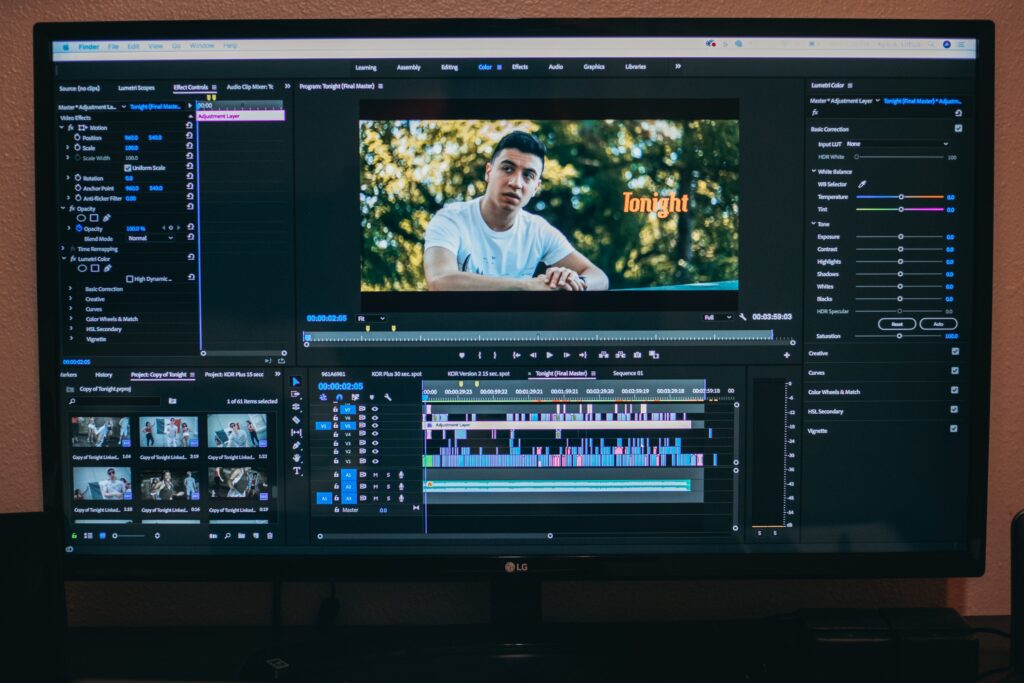
Timecode is a system used to identify and organize specific points in time within a video or audio recording. It is a numerical representation of the time elapsed from the beginning of the recording. Timecode is commonly used in video editing to ensure that different clips are synchronized properly and to identify specific points in the video that require editing or adjustments.
When editors use the term TC in editing, it typically means that they are referring to the timecode of a particular frame or section of a video. For example, an editor might write “TC 01:32:14:04” to refer to a specific moment in a video that occurs one hour, 32 minutes, 14 seconds, and four frames into the recording. This information helps the editor and other team members to easily locate and work with specific moments within the video.
There are different ways to display timecode, but the most common format is called SMPTE timecode, which stands for Society of Motion Picture and Television Engineers timecode. SMPTE timecode is typically displayed as four groups of two-digit numbers, separated by colons, with each group representing hours, minutes, seconds, and frames, respectively. The frame rate of the recording determines the number of frames per second and can affect the accuracy of the timecode.
In addition to helping editors identify and organize specific moments in a video, timecode can also be used to track changes made during the editing process. For example, an editor might note the original timecode of a clip before making edits, and then make a new note with the revised timecode once the changes have been made.
Overall, TC is a widely used acronym in the world of video and photo editing, and it refers to timecode. Timecode is an essential tool for editors to accurately identify and work with specific moments within a video or audio recording.