Changing your SIM card can be a simple process, but it’s important to take a few steps before you make the switch to ensure a smooth transition. Here are some things you should do before changing your SIM card:
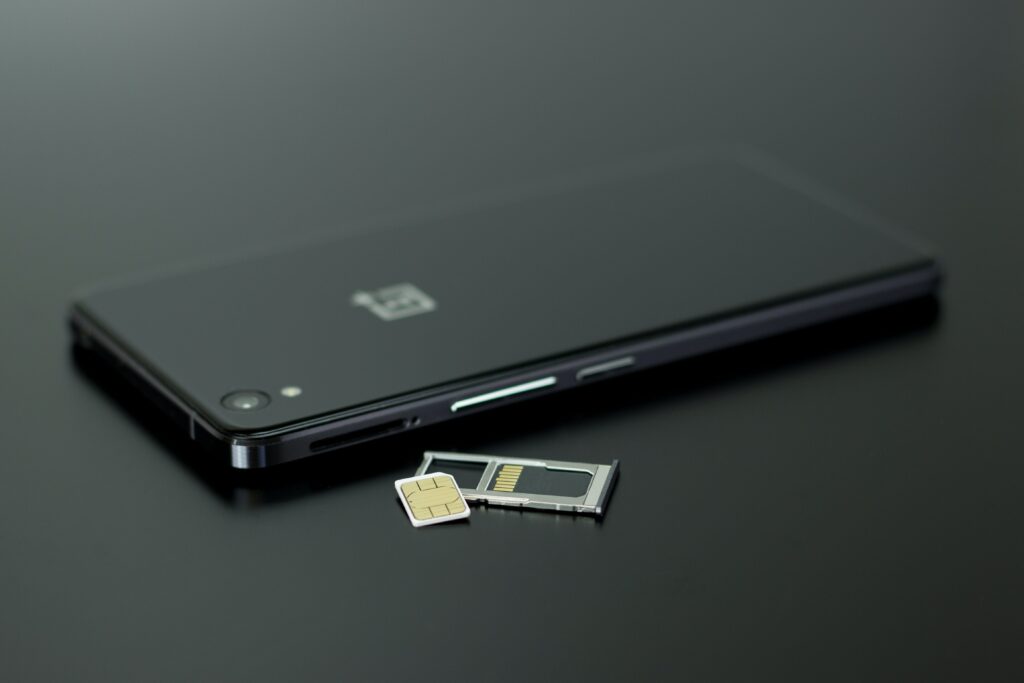
- Backup your data: Before switching SIM cards, it is important to backup all the data on your current phone. This includes contacts, photos, videos, documents, and any other important files that you may have stored on your device. You can backup your data by using cloud storage services such as Google Drive, iCloud, or Dropbox, or by transferring the data to a computer using a USB cable.
- Check compatibility: Make sure that the new SIM card is compatible with your device. Most SIM cards are compatible with unlocked phones, but some carriers use specific types of SIM cards that may not work with all devices. Check with your carrier or the manufacturer of your device to ensure that the new SIM card is compatible.
- Get the right size SIM card: SIM cards come in three sizes: standard, micro, and nano. Make sure you get the right size SIM card for your device. If you’re not sure which size you need, you can check the manufacturer’s website or the user manual for your device.
- Remove any security features: If your current SIM card has any security features such as a PIN or password, make sure to disable them before removing the SIM card. This will ensure that you can easily activate your new SIM card without any issues.
- Save important messages: If you have any important text messages or voicemails that you want to keep, make sure to save them before removing your old SIM card. You can save messages by taking screenshots or by using a third-party app to backup your messages.
- Check your account status: Before switching to a new SIM card, make sure that your account is in good standing with your carrier. If you have any outstanding bills or overdue payments, your carrier may not allow you to activate your new SIM card until those issues are resolved.
- Activate your new SIM card: Once you have your new SIM card, you will need to activate it. This process may vary depending on your carrier and the type of SIM card you are using. Some carriers may require you to call a specific number or visit their website to activate your new SIM card.
- Test your new SIM card: Once you have activated your new SIM card, test it to make sure it is working properly. You can do this by making a test call or sending a test message to another phone. If you experience any issues, contact your carrier for assistance.
- Transfer your data: Once you have confirmed that your new SIM card is working, you can transfer your data to your new device. You can do this by restoring your data from your backup, transferring files using a USB cable, or using a cloud storage service to transfer your data wirelessly.
- Dispose of your old SIM card: Once you have completed the switch to your new SIM card, it is important to dispose of your old SIM card properly. You can usually do this by returning it to your carrier or by using a SIM card recycling program.
In conclusion, switching to a new SIM card can be a straightforward process if you take the necessary steps to prepare beforehand. By backing up your data, checking compatibility, getting the right size SIM card, removing security features, saving important messages, checking your account status, activating your new SIM card, testing it, transferring your data, and disposing of your old SIM card properly, you can ensure a smooth transition to your new SIM card without any issues.
What to do before changing sim card?