The location of the menu button on your Vizio TV may vary depending on the specific model you have. However, there are a few common locations where you can typically find the menu button.
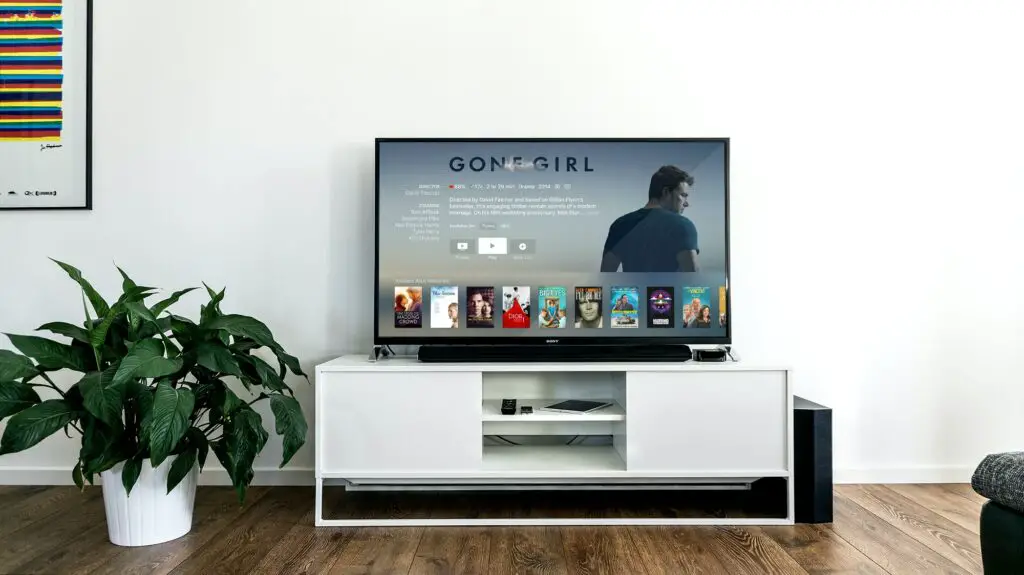
One common location for the menu button is on the TV remote control. Look for a button labeled “Menu” or with an icon of three horizontal lines or a gear symbol. This button is typically located near the center of the remote, but may be located at the top or bottom as well.
If you can’t find the menu button on your remote control, look for it on the TV itself. On some models, the menu button is located on the back of the TV near the power button or input ports. On other models, the menu button may be located on the bottom or side of the TV, typically near the power and volume buttons.
If you’re still having trouble locating the menu button on your Vizio TV, consult the user manual or quick start guide that came with your TV. These documents should provide detailed instructions on how to access the menu and adjust settings on your TV.
In addition to the menu button, many Vizio TVs also offer on-screen menus that can be accessed using the TV remote control. To access the on-screen menu, press the “Menu” button on your remote and navigate to the desired settings using the arrow keys. You can typically adjust settings such as picture and sound quality, input selection, and network settings from the on-screen menu.
Overall, the location of the menu button on your Vizio TV will depend on the specific model you have. However, by checking the TV remote control and the TV itself, you should be able to locate the menu button and access the settings you need to customize your viewing experience.