The color of messages on your phone may vary depending on several factors, including the type of device, the messaging app you are using, and the settings on your phone. In this answer, we will explore the various reasons why your messages may be green instead of blue and what that means.
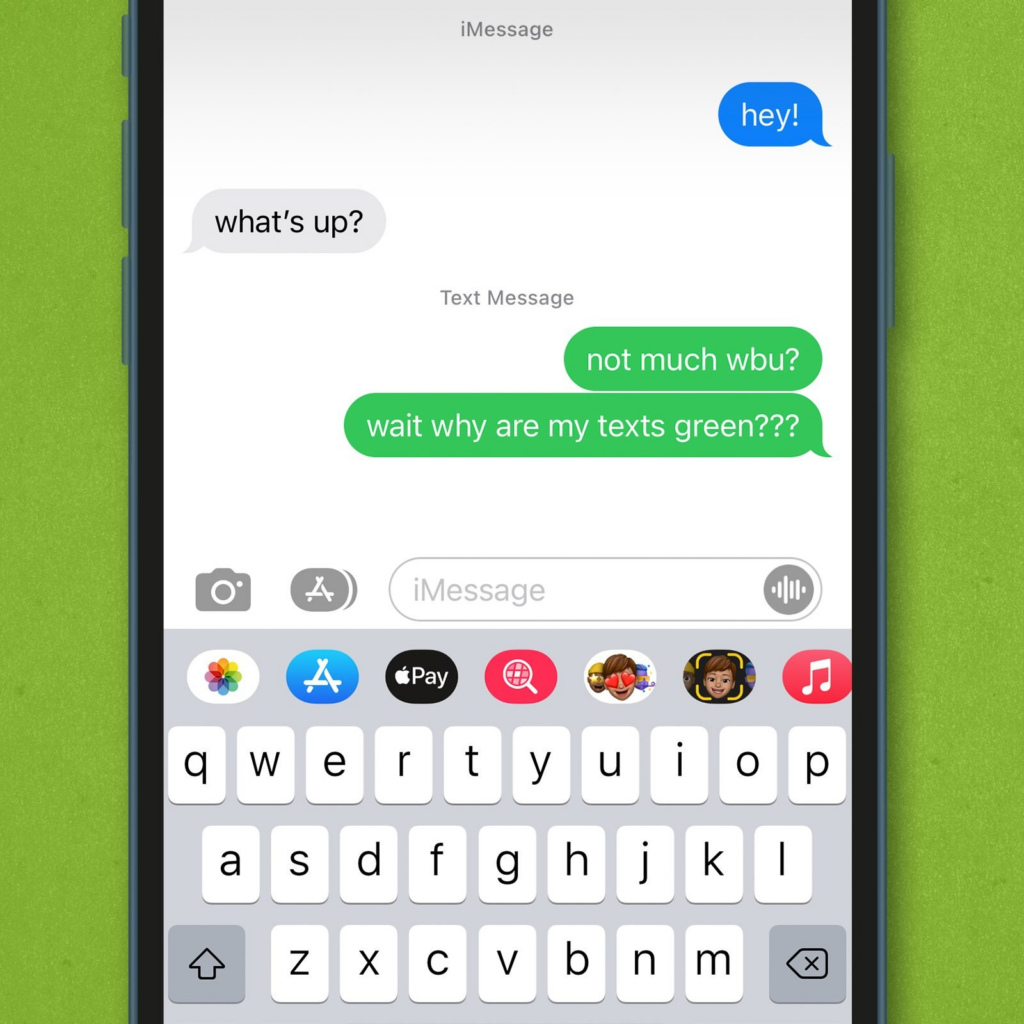
Firstly, let’s address the colors themselves. On an iPhone, blue messages are typically iMessages, which are sent through Apple’s servers and require an internet connection. On the other hand, green messages are standard SMS or MMS messages, which are sent through your carrier’s network and do not require an internet connection.
So, why would your messages be green instead of blue? Here are a few possible reasons:
- The recipient does not have an iPhone: If the person you are sending a message to does not have an iPhone, your message will be sent as an SMS or MMS message. This means that the message will appear green, indicating that it was sent through your carrier’s network rather than Apple’s servers.
- iMessage is turned off: If the recipient does have an iPhone but has iMessage turned off, your message will also be sent as an SMS or MMS message. Again, this will cause the message to appear green instead of blue.
- Poor internet connection: If you have an iPhone and are sending a message to another iPhone user, but your internet connection is poor, your message may be sent as an SMS or MMS message instead of an iMessage. This can cause your message to appear green instead of blue.
- Temporary iMessage outage: Sometimes, Apple’s iMessage servers experience temporary outages or issues. During these times, iMessages may fail to send or may be sent as SMS or MMS messages instead. This can cause messages to appear green instead of blue.
- Different messaging app: If you are using a different messaging app, such as WhatsApp or Facebook Messenger, your messages will appear in a different color than standard SMS or MMS messages. For example, WhatsApp messages are typically green, while Facebook Messenger messages are blue.
It’s also worth noting that the color of messages on Android devices can be different than on iPhones. On Android devices, SMS and MMS messages typically appear as green, while messages sent through other messaging apps can appear in a variety of colors depending on the app.
In summary, the color of messages on your phone can depend on a variety of factors, including the type of device, the messaging app you are using, and the settings on your phone. If your messages are appearing green instead of blue, it may be because you are sending a standard SMS or MMS message rather than an iMessage, or because you are using a different messaging app. However, if you are experiencing persistent issues with iMessage or SMS messages, it may be worth troubleshooting your device or contacting your carrier for assistance.