The color of your messages in a messaging app can depend on a variety of factors, including the device you are using, the messaging app you are using, and the settings you have configured. In general, messages that are blue indicate that they have been sent as iMessages, while messages that are green indicate that they have been sent as SMS or MMS messages.
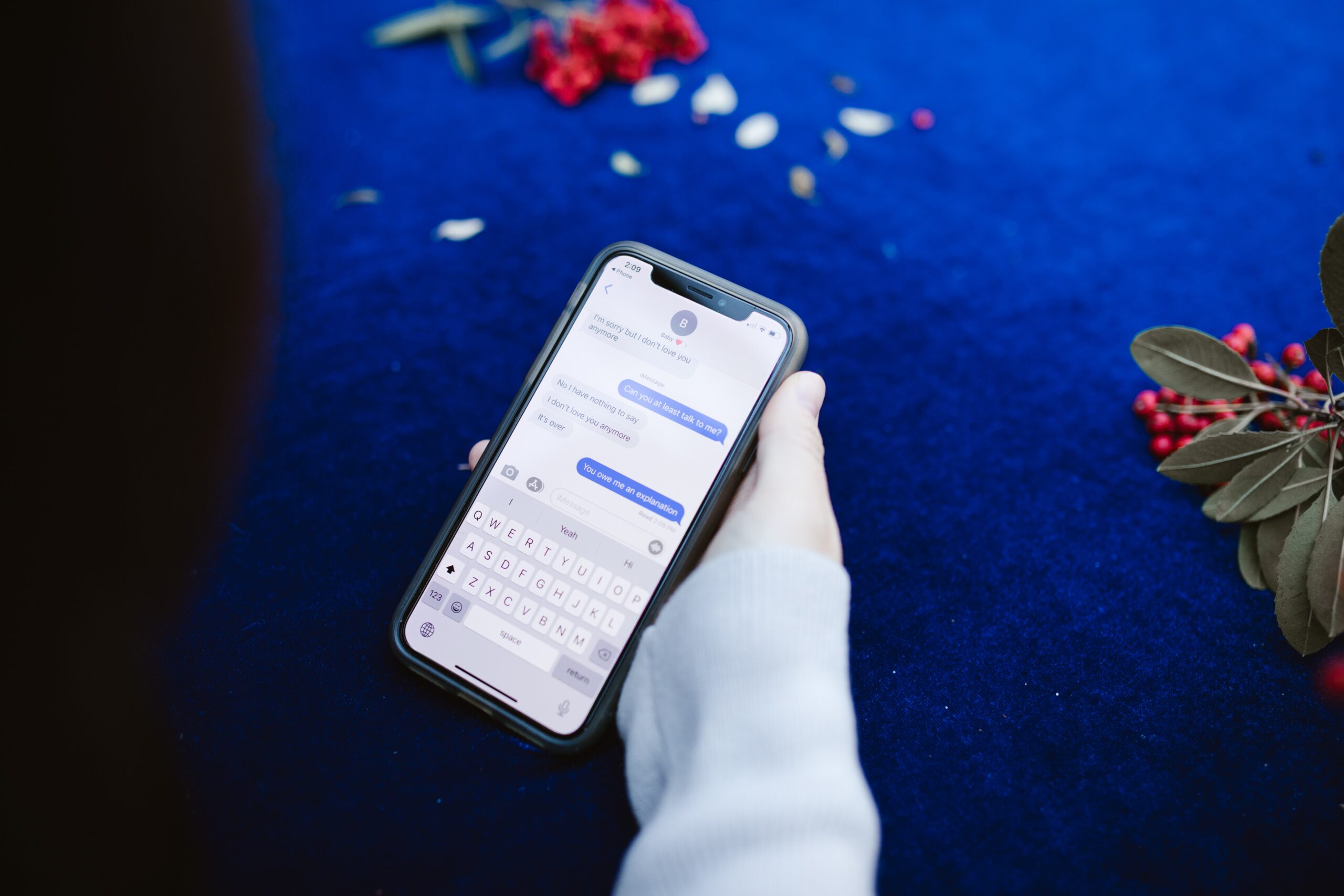
iMessage is a messaging service that is available exclusively on Apple devices, including iPhones, iPads, and Mac computers. When you send a message using iMessage, the message is sent over the internet rather than through your cellular network. This means that you can send messages to other Apple devices for free, as long as you have an internet connection.
When you send an iMessage, the message is typically displayed as a blue bubble in the messaging app. This is because iMessages are encrypted and can only be sent to other Apple devices that are also using iMessage. The blue color helps to distinguish iMessages from regular SMS or MMS messages, which are typically displayed as green bubbles in the messaging app.
If your messages are showing up as green instead of blue, it’s possible that you are sending messages as SMS or MMS messages instead of iMessages. This can happen if the person you are sending a message to does not have an Apple device or is not using iMessage. In this case, your message is sent over the cellular network as a regular SMS or MMS message, rather than over the internet as an iMessage.
Another reason why your messages might be showing up as green instead of blue is if you have turned off the iMessage feature on your device. This can happen if you have recently switched from an iPhone to an Android device, for example, and have not yet disabled iMessage on your iPhone. In this case, your messages will be sent as SMS or MMS messages instead of iMessages, and will show up as green bubbles in the messaging app.
It’s also possible that there is a problem with your cellular or internet connection that is preventing your messages from being sent as iMessages. If you are in an area with poor cellular reception or are not connected to Wi-Fi, for example, your messages may be sent as SMS or MMS messages instead of iMessages.
To ensure that your messages are being sent as iMessages and are displayed as blue bubbles in the messaging app, make sure that the person you are sending a message to is using an Apple device and has iMessage enabled. You can also check the settings on your own device to make sure that iMessage is turned on and that your internet connection is working properly.
In conclusion, the color of your messages in a messaging app can depend on a variety of factors, including the device you are using, the messaging app you are using, and the settings you have configured. If your messages are showing up as green instead of blue, it’s possible that you are sending messages as SMS or MMS messages instead of iMessages, or that there is a problem with your cellular or internet connection. To ensure that your messages are being sent as iMessages and are displayed as blue bubbles in the messaging app, make sure that the person you are sending a message to is using an Apple device and has iMessage enabled, and check your own device settings and internet connection.