The Apple Watch is a sophisticated wearable device that offers a wide range of features, including fitness tracking, communication, and health monitoring. While it is designed to be intuitive and user-friendly, some users may experience difficulty in turning off their Apple Watch. There are several reasons why this may be the case, including software issues, hardware problems, and user error. In this article, we will explore these factors in more detail and explain why turning off your Apple Watch can sometimes be challenging.
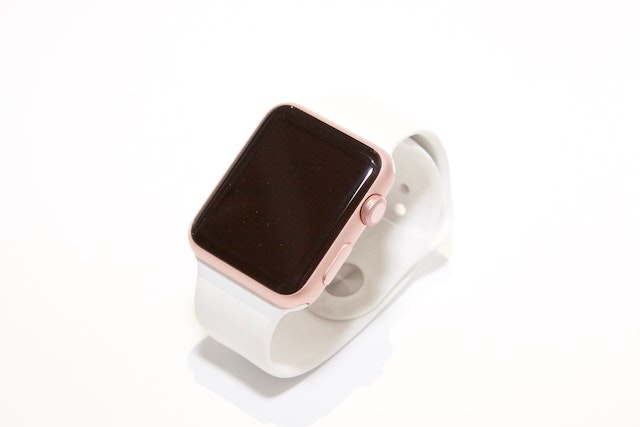
First and foremost, it’s important to note that turning off an Apple Watch is a relatively simple process. To turn off your Apple Watch, you simply need to press and hold the side button until the power off slider appears. Once the slider appears, you can slide it to the right to power off your Apple Watch. However, despite the simplicity of this process, some users may experience difficulties in turning off their Apple Watch for a variety of reasons.
One common reason why you might be unable to turn off your Apple Watch is due to a software issue. Like any electronic device, the Apple Watch relies on software to function properly. If the software becomes corrupted or experiences a glitch, it can cause problems with various functions of the watch, including turning it off. In these cases, it may be necessary to reset the watch to resolve the issue. To reset your Apple Watch, you need to press and hold both the side button and the Digital Crown until the Apple logo appears. Once the logo appears, release the buttons and wait for the watch to restart.
Another reason why you might be unable to turn off your Apple Watch is due to hardware problems. Over time, the hardware components of the watch may wear out or become damaged, causing issues with various functions, including turning it off. If you suspect that your Apple Watch has a hardware problem, you should take it to an authorized Apple service provider for repair or replacement.
User error is another factor that can make it difficult to turn off an Apple Watch. It’s important to follow the correct procedure for turning off the watch, as any deviation from this process can cause problems. For example, if you press and hold the wrong button, you may inadvertently activate a different function of the watch, which can prevent you from turning it off. If you’re having difficulty turning off your Apple Watch, make sure you’re following the correct procedure and pressing the correct buttons.
Another factor that can make it difficult to turn off an Apple Watch is if it’s in an unusual state. For example, if the watch is in the middle of an update, it may not respond to the usual button presses. In these cases, it’s best to wait until the update is complete before attempting to turn off the watch. Similarly, if the watch is low on battery, it may not respond to button presses or may take longer to turn off than usual.
Finally, it’s worth noting that some Apple Watch models have different ways of turning them off. For example, the Apple Watch Series 3 and earlier models require you to press and hold the side button and then slide the power off slider to the right. The Apple Watch Series 4 and later models, on the other hand, require you to press and hold the side button and the Digital Crown simultaneously until the power off slider appears. If you’re having difficulty turning off your Apple Watch, make sure you’re following the correct procedure for your particular model.
In conclusion, while turning off an Apple Watch is generally a straightforward process, there are several factors that can make it difficult. These include software issues, hardware problems, user error, unusual states, and different procedures for different models. If you’re having difficulty turning off your Apple Watch, try resetting it or seeking assistance from an authorized service provider.