The colors of text messages on an iPhone can change from blue to green due to different reasons. In this answer, I will discuss the primary factors that affect the color of text messages and why they matter.
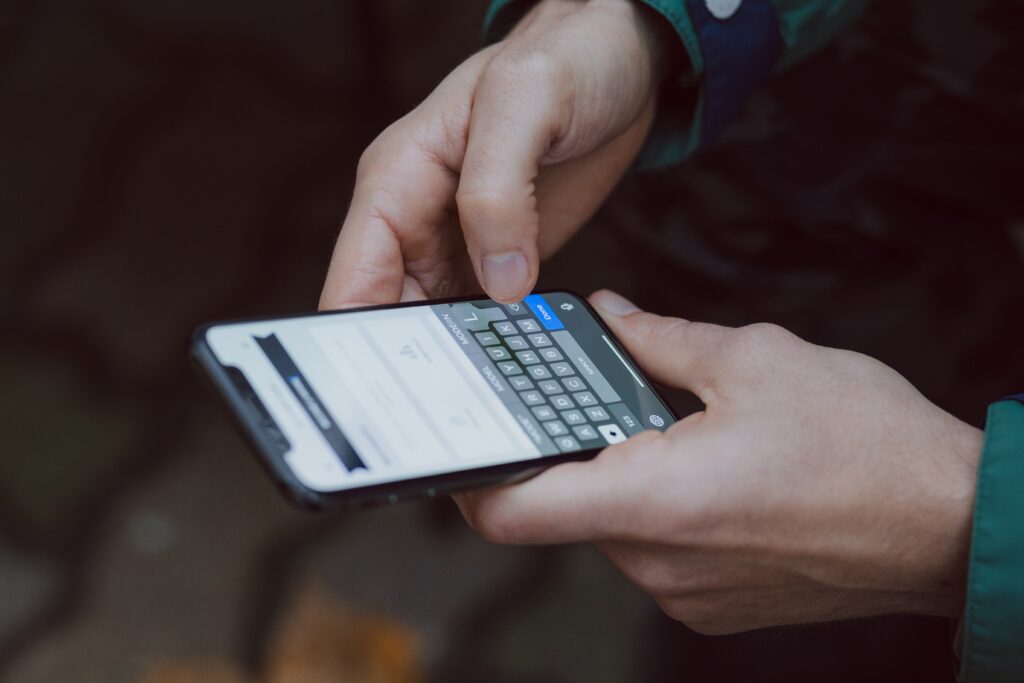
The primary reason for the color change is the type of messaging system being used. When you send a text message to someone who also uses an iPhone, the message is sent through Apple’s iMessage system. When both parties are using iMessage, the text message appears in blue. iMessage uses your internet connection, either Wi-Fi or cellular data, to send messages, images, and other content. iMessage also has some advanced features, such as read receipts, typing indicators, and the ability to send large files.
However, when you send a text message to someone who does not use an iPhone, or they have turned off iMessage on their device, the message is sent as a regular SMS (Short Message Service) message. SMS is a standard text messaging protocol used by all phones, not just iPhones. SMS messages appear in green on your iPhone. Unlike iMessage, SMS does not require an internet connection to send messages, which is why it can work even in areas with poor or no cellular data coverage.
Another reason for the color change is if the person you are messaging has blocked you on iMessage. If you are blocked, your messages will not go through on iMessage, and they will be sent as SMS messages instead. In this case, the color of your messages will change from blue to green.
It is important to note that some other factors can also affect the color of your messages. For example, if you are using a third-party messaging app, the color of your messages may be different. Some apps allow you to customize the color of your messages, while others use a default color that may not be blue or green.
Now, you may be wondering why the color of your text messages matters. In general, the color change is not a significant issue, but there are some potential implications to be aware of.
One implication is related to the cost of sending messages. While iMessage uses your internet connection to send messages, SMS messages are sent through your cellular network. Depending on your phone plan, sending SMS messages may be more expensive than sending iMessages, especially if you are sending messages to people in other countries. Therefore, if you frequently send messages to people who are not on iMessage, it may be a good idea to use a messaging app that uses the internet to send messages.
Another implication of the color change is related to the features available when sending messages. As mentioned earlier, iMessage has some advanced features that are not available when sending SMS messages. For example, you cannot send large files, use stickers or emojis, or react to messages when sending SMS messages. Therefore, if you want to use these features, it may be necessary to use iMessage or a messaging app that supports them.
In conclusion, the color of your text messages on an iPhone can change from blue to green due to different reasons. The primary reason is the type of messaging system being used, i.e., iMessage vs. SMS. Other factors, such as using a third-party messaging app or being blocked by the other person, can also affect the color of your messages. While the color change is not a significant issue, it is essential to be aware of the potential implications related to the cost of sending messages and the features available when sending them.