External hard drives are widely used for storing and transferring data, but some users may encounter the issue of the hard drive beeping. In this essay, we will discuss the possible reasons for this issue and how to resolve it.
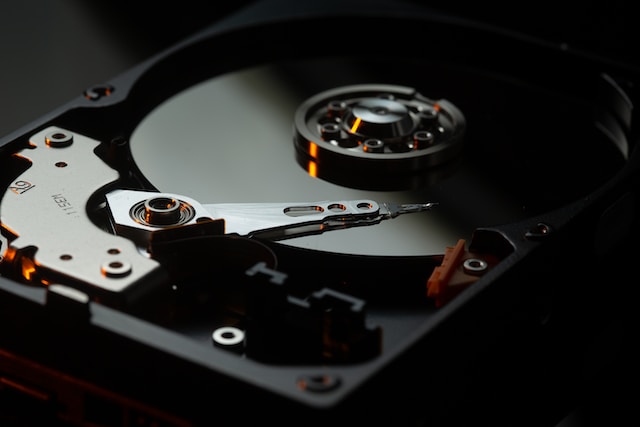
One possible cause of an external hard drive beeping is a loose connection. If the cable or connection is not secure, it can cause the hard drive to beep. To address this, users should try unplugging and re-plugging the hard drive or using a different cable or port.
Physical damage is another possible cause of an external hard drive beeping. Dropping or bumping the hard drive can cause it to beep. If the user notices any physical damage, they should stop using the hard drive immediately and seek professional help.
A malfunctioning hard drive can also cause it to beep. A diagnostic tool can be used to identify any errors or malfunctions. Testing the hard drive on a different computer can also help determine if the issue is with the hard drive itself or the original computer.
Power issues can also cause an external hard drive to beep. The hard drive may not receive sufficient power, resulting in beeping. Users can ensure that the hard drive is connected to a stable power source and the power cable is not damaged.
Lastly, software issues can cause an external hard drive to beep. Running a disk check or disk repair utility can help fix any corrupted or damaged files.
In conclusion, beeping from an external hard drive can be resolved by checking the connections, physical condition, and using diagnostic tools to identify any issues. If the problem persists, it is best to seek professional help. By taking these steps, users can continue using their external hard drives for their data storage and transfer needs.