If your external hard drive is beeping, it’s an indication that something is not working correctly. Beeping sounds from an external hard drive can be a warning signal that something is wrong with the device. In this article, we will discuss some of the possible reasons why your external hard drive is beeping and what you can do to fix the issue.
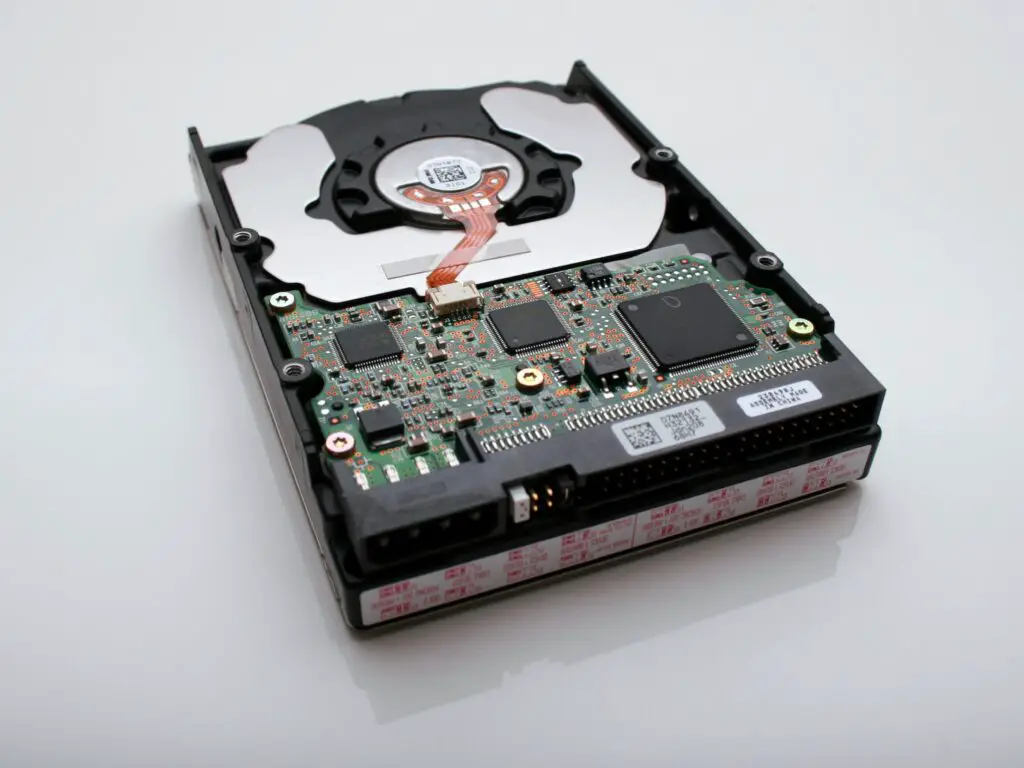
- Power Supply Issues One of the most common reasons for beeping sounds from an external hard drive is power supply issues. When the power supply of an external hard drive is not sufficient or fluctuating, it can lead to beeping sounds.
Solution: Check the power supply of the external hard drive. Ensure that it’s connected correctly and supplying enough power to the device. Try connecting the hard drive to a different power source, such as a different power outlet or USB port.
- Physical Damage Physical damage to an external hard drive can also cause beeping sounds. This could be due to a fall or any other physical impact that has caused damage to the hard drive’s internal components.
Solution: If you suspect physical damage, it’s best to take your hard drive to a professional data recovery service provider. They can assess the damage and advise on possible repair options.
- Firmware Issues Firmware issues can also cause beeping sounds from an external hard drive. The firmware is the software that controls the device’s internal components, and if it’s not functioning correctly, it can lead to beeping sounds.
Solution: Check if there are any firmware updates available for your hard drive. You can usually find firmware updates on the manufacturer’s website. Download and install the latest firmware update for your hard drive to fix any firmware-related issues.
- Overheating Overheating can also cause beeping sounds from an external hard drive. When a hard drive overheats, it can damage the internal components and cause beeping sounds.
Solution: Ensure that the external hard drive is placed in a well-ventilated area where air can circulate freely. Do not cover the hard drive or place it in a confined space. You can also try using a cooling pad to keep the hard drive’s temperature in check.
- Connection Issues Sometimes, connection issues can cause beeping sounds from an external hard drive. This could be due to a loose or damaged cable or an incompatible USB port.
Solution: Check the connection of the hard drive to the computer. Ensure that the cable is plugged in correctly and not damaged. Try connecting the hard drive to a different USB port to see if the problem persists.
- Logical Failure Logical failure refers to issues with the hard drive’s logical structure, such as the file system, which can cause beeping sounds.
Solution: In the case of logical failure, it’s best to consult a professional data recovery service provider. They can diagnose and fix any logical failures that are causing the beeping sounds.
In conclusion, there can be several reasons why an external hard drive is beeping, including power supply issues, physical damage, firmware issues, overheating, connection issues, and logical failure. It’s essential to identify the cause of the beeping sound to determine the best course of action. Depending on the cause, you may be able to fix the issue on your own, or you may need to seek the assistance of a professional data recovery service provider.