Video calls have become an integral part of our lives, especially during the COVID-19 pandemic, where many people have shifted to remote work and socializing. However, video call errors can occur, causing frustration and disruption to communication. One common issue is the “video call unavailable” error message. Here are some potential reasons why your video call may be unavailable and some possible solutions.
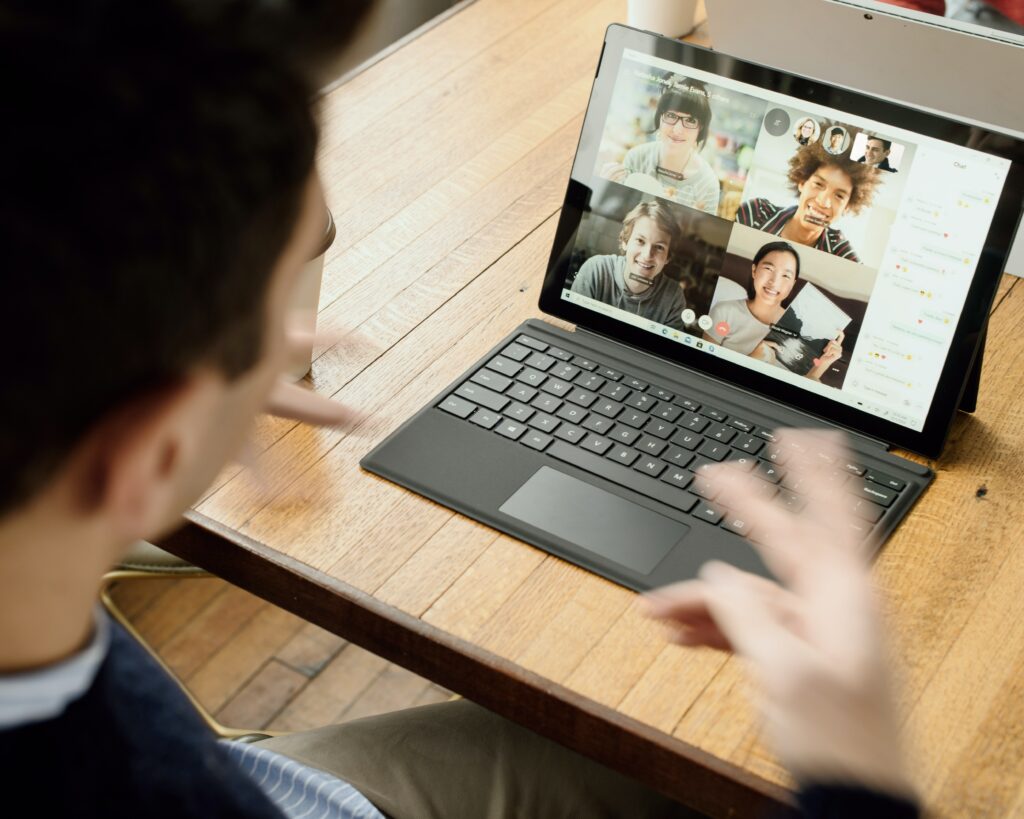
- Internet Connection: The most common reason for video call unavailability is a poor internet connection. If your internet connection is slow or unstable, it can affect the quality of your video call and cause it to drop or not connect at all. Try resetting your router or modem, connecting to a different Wi-Fi network, or using a wired connection to improve your internet speed.
- Outdated App: Video call apps like Zoom, Skype, and FaceTime require regular updates to maintain functionality and fix bugs. If you are using an outdated version of the app, it may not work properly or may be incompatible with the operating system. Check for updates in the app store or website and download the latest version.
- Device Compatibility: Video call apps may have specific requirements regarding device compatibility, operating system, and hardware specifications. If your device does not meet the minimum requirements, the app may not work or may have limited functionality. Check the app’s website or support page to ensure that your device is compatible.
- Firewall or Security Settings: Firewall and security settings can block certain ports and protocols required for video calls, leading to connectivity issues. Check your firewall and security settings and ensure that they are not blocking the app or ports required for video calls. You can also try temporarily disabling the firewall or security settings to see if it resolves the issue.
- Account Restrictions: Some video call apps may have restrictions on the number of users or duration of calls for free accounts. If you have reached the limit or your account has expired, you may not be able to make or join video calls. Check your account status and upgrade if necessary.
- Server Issues: Video call apps use servers to handle the connection and data transfer between users. If the app’s servers are down or experiencing issues, it can prevent you from making or joining video calls. Check the app’s website or social media accounts for any server-related announcements.
- Device Malfunction: In rare cases, the video call may be unavailable due to a malfunction or hardware issue on your device. Try restarting your device, clearing the cache and data of the app, or reinstalling the app to see if it resolves the issue. If the problem persists, it may be a hardware issue, and you may need to contact technical support.
Conclusion
In conclusion, the “video call unavailable” error message can be frustrating and disrupt communication. The most common reasons for video call unavailability include poor internet connection, outdated app, device compatibility, firewall or security settings, account restrictions, server issues, and device malfunction. Try the solutions mentioned above to troubleshoot the issue and improve the functionality of your video call app.