Hard drives are the primary storage device in a computer system, and they rely on drivers to communicate with the operating system. Hard drive drivers are software programs that allow the operating system to recognize and interact with the hard drive, allowing users to read and write data to and from the drive.
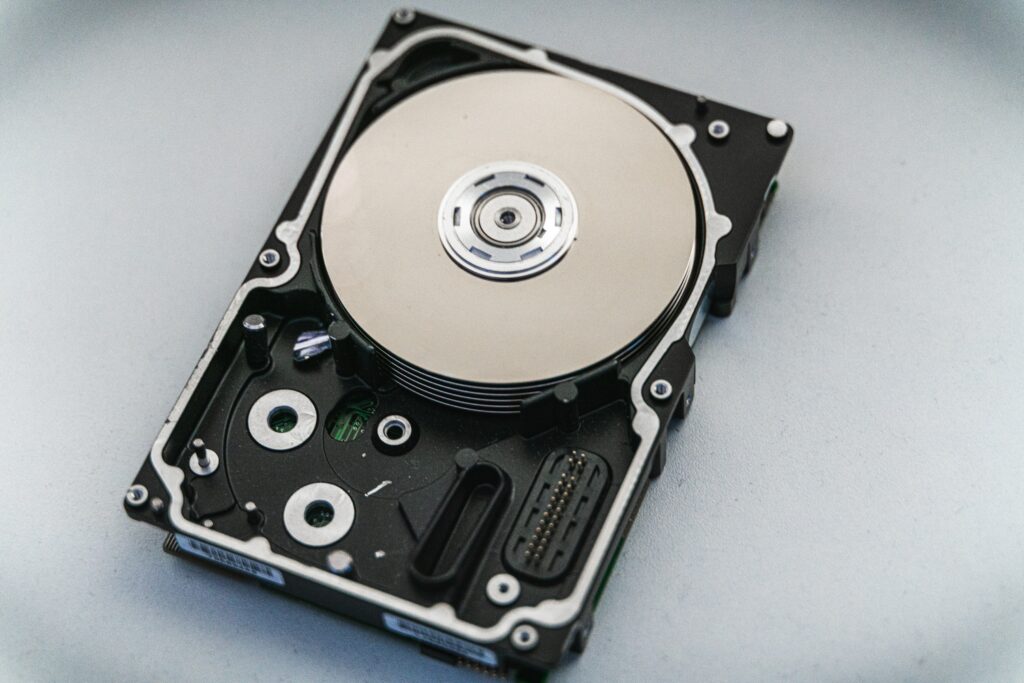
In modern operating systems like Windows 10, hard drive drivers are typically included with the operating system, and no additional installation is necessary. The operating system recognizes the hard drive and automatically installs the necessary drivers during the setup process.
However, there may be situations where you need to update or reinstall your hard drive drivers. Here are some common scenarios where hard drive drivers may need to be updated:
- New hard drive installation: If you’re installing a new hard drive in your computer, you may need to install the necessary drivers to ensure that the operating system recognizes the drive and can communicate with it properly.
- Driver corruption: Sometimes hard drive drivers can become corrupted or outdated, leading to issues with the drive’s performance or functionality. In these cases, updating or reinstalling the drivers may be necessary to restore proper function.
- Operating system upgrade: Upgrading to a new operating system can sometimes cause issues with hard drive drivers. If you’re experiencing problems with your hard drive after upgrading your operating system, updating your drivers may be necessary.
To update or reinstall your hard drive drivers, follow these steps:
- Identify your hard drive: The first step is to identify the make and model of your hard drive. You can usually find this information on the label on the top of the drive or in the computer’s BIOS.
- Download the latest drivers: Visit the website of the hard drive manufacturer and download the latest drivers for your specific model. Make sure you select the appropriate driver for your operating system.
- Install the drivers: Once you’ve downloaded the driver, run the installation program and follow the on-screen instructions. The installation process may vary depending on the manufacturer and the specific driver.
- Restart your computer: After the installation is complete, restart your computer to ensure that the new driver is properly installed and recognized by the operating system.
If you’re experiencing issues with your hard drive even after updating or reinstalling the drivers, there may be a hardware issue with the drive itself. In this case, you may need to replace the drive or seek professional assistance to diagnose and repair the issue.
In conclusion, hard drive drivers are essential software programs that allow the operating system to communicate with and utilize the hard drive. While they are typically included with modern operating systems, there may be situations where updating or reinstalling the drivers is necessary. By following the steps outlined above, you can ensure that your hard drive drivers are up to date and functioning properly, helping to maintain the performance and functionality of your computer system.