A hard drive screwdriver is a tool used to install or remove screws from a hard drive. Hard drives typically use small screws to secure the drive to the computer case or mount it in a drive bay. These screws are often small and require a precision screwdriver to properly install or remove them.
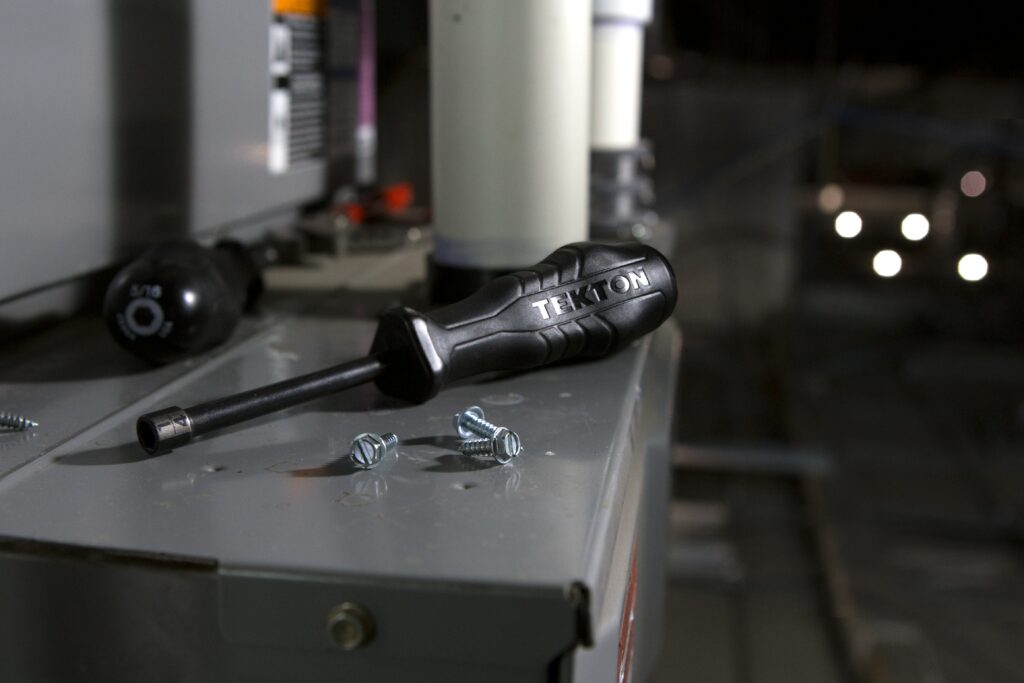
When choosing a hard drive screwdriver, there are a few factors to consider:
- Size: Hard drive screws are typically small, so you’ll need a screwdriver that is small enough to fit into tight spaces. Look for a screwdriver with a small, precision tip that can fit into the screw head without slipping.
- Magnetic tip: A magnetic tip can be useful when working with small screws, as it can help to hold the screw in place while you’re trying to install or remove it. This can be especially helpful if you’re working in a tight space where it’s difficult to keep the screw in place with your fingers.
- Handle: Look for a screwdriver with a comfortable handle that provides a good grip. A handle with a rubber or silicone coating can be especially helpful, as it can provide extra grip and prevent the screwdriver from slipping out of your hand.
- Quality: When it comes to screwdrivers, quality matters. Look for a screwdriver that is made from high-quality materials and is built to last. A good screwdriver should be durable, with a sturdy handle and a tip that won’t easily strip or break.
When using a hard drive screwdriver, there are a few tips to keep in mind:
- Use the right size: Make sure you’re using the right size screwdriver for the screws you’re working with. Using the wrong size screwdriver can strip the screw head, making it difficult to remove or causing damage to the screw.
- Be gentle: Hard drives are delicate pieces of equipment, and excessive force can damage the drive or the computer case. Use a gentle touch when installing or removing screws, and don’t apply too much pressure.
- Keep screws organized: When working with multiple screws, it’s easy to lose track of which screws go where. Keep screws organized by placing them in a small container or using a magnetic tray to hold them in place.
- Ground yourself: Hard drives are sensitive to static electricity, so it’s important to ground yourself before working with them. Use an anti-static wrist strap or touch a grounded metal object before handling the drive or any components inside the computer case.
In summary, a hard drive screwdriver is an essential tool for installing or removing screws from a hard drive. When choosing a screwdriver, look for a small size, magnetic tip, comfortable handle, and high-quality construction. When using a screwdriver, be gentle, keep screws organized, ground yourself, and use the right size screwdriver for the job. By following these tips, you can safely and effectively work with hard drive screws and maintain the functionality of your computer system.