The check engine light (CEL) on your dashboard is an important warning indicator that informs you of an issue with your vehicle’s engine or emissions control system. If your check engine light is on, it is essential to diagnose and resolve the underlying problem promptly to prevent any further damage to your car or engine.
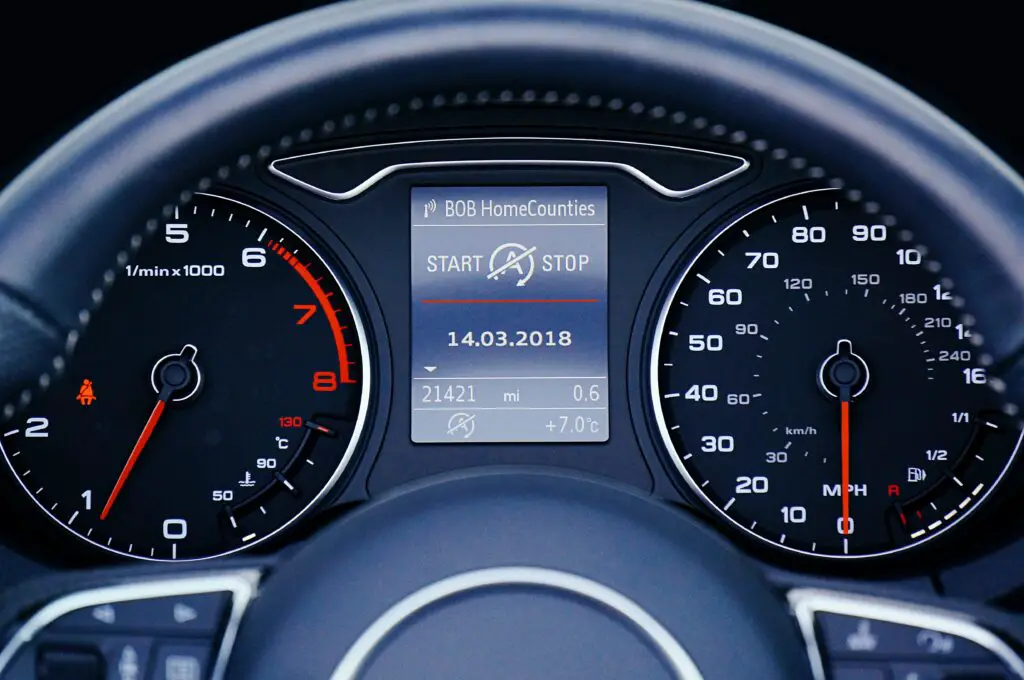
If you do not have access to an OBD-II scanner, which is the tool typically used to read and clear the check engine light, you might be wondering how to turn it off without it. In this article, we will discuss some methods you can try to clear your check engine light without a scanner. However, keep in mind that these methods are not always effective, and clearing the code without addressing the underlying issue may lead to further problems.
Method 1: Disconnecting the Battery
One of the simplest methods to clear the check engine light is to disconnect the battery. To do this, locate the negative terminal of the battery and disconnect it. Leave the battery disconnected for at least 15 minutes, which will allow the car’s computer to reset. After 15 minutes, reconnect the battery and start your car.
When the engine starts, the CEL will be off, indicating that the code has been cleared. However, if the problem that triggered the CEL in the first place persists, the light will likely come back on.
Method 2: Drive the Car
Sometimes, the CEL is triggered by a minor issue, such as a loose gas cap. In such cases, simply driving the car for a short period may clear the code. You can try driving for 50-100 miles, and if the CEL does not come back on, it might have been a temporary issue that has resolved itself.
Method 3: Check the Fuse Box
In some vehicles, the check engine light is connected to a fuse in the fuse box. If this is the case for your car, you can try checking the fuse box to see if the fuse is blown. If it is, replace the fuse and start your car to see if the CEL is off.
Method 4: Use an OBD-II Scanner App
Although you may not have an OBD-II scanner, you can still use your smartphone to access diagnostic trouble codes (DTCs) that are stored in your car’s computer. Many third-party apps are available that allow you to read DTCs using your phone’s Bluetooth connection.
To use this method, download an OBD-II scanner app on your phone and pair it with a Bluetooth OBD-II adapter. Connect the adapter to the OBD-II port in your car (usually located under the steering wheel) and follow the app’s instructions to read the DTCs. Once you have the codes, you can research them online to determine the underlying issue.
Although this method may not allow you to clear the CEL directly, it will help you diagnose the issue, which can lead to resolving it.
Method 5: Drive a Certain Way
Another method that may clear the CEL is to drive the car in a specific way. For example, some mechanics recommend driving at a steady speed of 50-60 mph for 20-30 minutes. The idea behind this method is that it can help reset the car’s computer, which may clear the code.
Method 6: Fix the Underlying Issue
Finally, the best method to clear the check engine light is to fix the underlying issue. If you do not have access to an OBD-II scanner or do not feel comfortable diagnosing the issue yourself, take your car to a trusted mechanic. They will use their diagnostic tools to determine the issue and provide a solution.