Switching the input source on your Vizio TV is an effortless task that can be done with the remote control that comes with the TV. The Vizio TV has various input options like HDMI, Component, and Composite inputs, as well as in-built apps like Netflix, Hulu, and Amazon Prime Video. In this article, we will explore how to switch inputs on a Vizio TV using the remote control and also provide some tips to troubleshoot any problems.
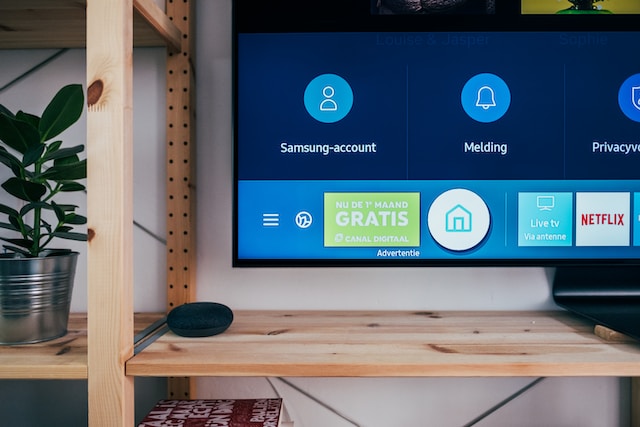
To change the input source on your Vizio TV, follow these steps:
Step 1: Switch on the TV and the device that you want to connect to it.
Ensure that both the TV and the device you want to connect to are turned on.
Step 2: Locate the Input button on the remote.
Look for the “Input” button on the remote, which is typically situated at the bottom of the remote.
Step 3: Choose the input source.
Press the Input button repeatedly until you arrive at the input source that you want to use. If you are not sure which input source to select, examine the back or side of the TV to see which ports are in use for your device.
Step 4: Wait for the TV to recognize the input.
Once you have selected the input source, the TV may take a few seconds to recognize the signal. If the TV does not display the device’s content immediately, wait for a few seconds for the signal to be recognized.
To troubleshoot any issues that may arise while changing inputs on your Vizio TV, try these tips:
Check the device connections Ensure that the device you want to connect to the TV is correctly connected. Check that the cables are securely plugged into the right ports on both the TV and the device.
Restart the TV and the device Attempt to turn off both the TV and the connected device, and then switch them on again. This often helps with recognizing input sources.
Update the TV’s firmware Check for firmware updates for your Vizio TV as these updates can often fix issues with input sources. To check for updates, go to the TV’s menu and look for the “System” or “Software Update” option.
Check the remote control batteries If the remote control is not working correctly, check the batteries to ensure that they are correctly inserted and have enough charge. Try replacing the batteries with fresh ones if needed.
Reset the TV to factory settings If none of the above troubleshooting tips work, try resetting the TV to its factory settings. To do this, go to the TV’s menu and look for the “System” or “Reset” option. Note that resetting the TV to its factory settings will erase all custom settings and preferences.
In conclusion, switching inputs on your Vizio TV is a straightforward process that can be done with the remote control. Follow the steps mentioned above to switch the input source on your Vizio TV and troubleshoot any issues that you may encounter. If you are still facing problems, refer to the TV’s manual or contact Vizio customer support for help.