Mouse double-clicking randomly when you don’t intend it to may be a bother to your work, play or entertainment with your computer or game. This problem may be fixed by navigating the device settings or fixing hardware properties. Let us know ‘Mouse Double Clicks Randomly’.
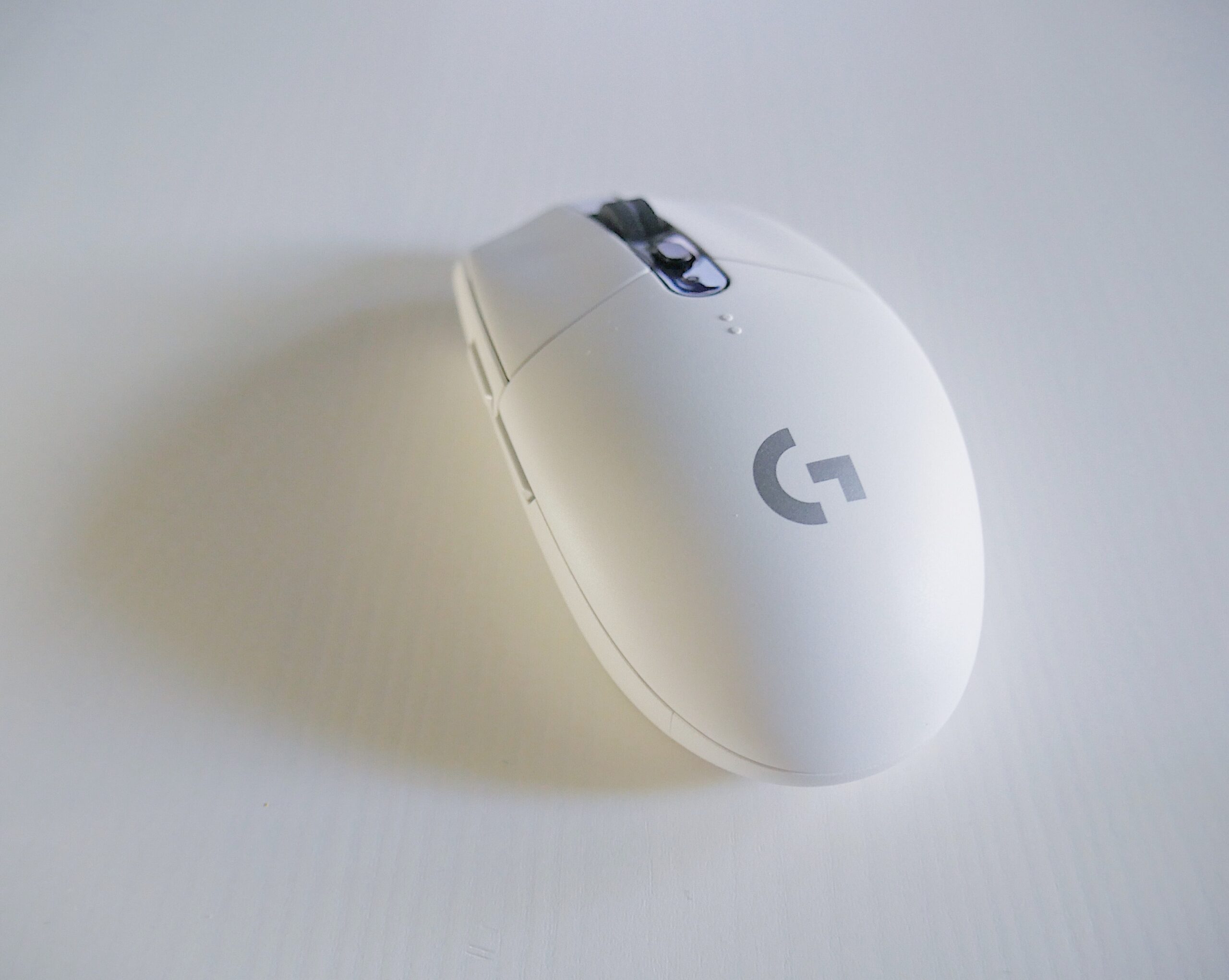
Mouse double-clicking randomly may be caused by a variety of factors. It could just be an old mouse or there is something wrong with the clicker inside. You can also navigate the mouse and device settings on your computer. If hardware related, it’s recommended you try to open it and fix it if it’s not under warranty anymore. If it is under warranty, get a refund or ask for a new mouse.
Mouse Double Clicks Randomly -Causes and Possible Fixes
- Computers running any version of the Windows OS have a mouse settings applet within the control panel. Amongst other things, it contains a slider to configure double-click speed. If the slider is dragged too far to the left, the clicks can be relatively far apart, but still register as a double-click.
- This tends to happen when the mouse is low on batteries if it is wireless. If the problem continues your mouse needs replacement.
- The root of this common problem in mice is a small bend metal sheet to serve as a spring for the mouse’s switch.
When you press the button in your mouse, this little sheet makes contact with the point terminal in the switch and the click is registered. However, with use, the sheet became worn and lost the ability to retain its shape making loose contact with this terminal and so starting to make double clicks.
A partial solution is disassembling your mouse, opening your switch, extracting this little sheet and “re-bend” into its original shape. However, depending on how worn is the little sheet and the quality of the metal employed, this process could break it.
However, this fix is only worth it if it’s the first time you’re having the problem, and if you know that your mouse has some quality switches. For the second time, your mouse is making double clicks, probably the sheet is severely worn and “re-bend” won’t make it springy enough. At this point, solutions are: change the little sheet, change the whole switch or change the mouse completely.
Reasons Why Mouse Records Double Clicking?
The most common issue is that your double-clicking speed is too low.
So, the single clicks at different intervals are being interpreted as double clicks instead.
Nose around to find the location of the double-clicking speed
Mouse Double Clicks Randomly -Causes and Possible Fixes in Device Settings
You can check the double-click speed under Mouse Settings in Control Panel (in Windows, anyway). It could be a hardware failure. Or the File Explorer could be set to use Single-Click instead of Double-Click.
Ways To Make Your Mouse Auto Click
Simply install an auto clicker program, and then bind the key to start and stop it on a part of your keyboard that you hardly ever use. During suppertime, or doing chores this is a great way to “get on that grind” even if you cannot be physically present when playing the game.
Mouse Clicks and Double Clicks Process Explained
You have an input device that connects to the PC motherboard via a bus of some sort (USB, PS/2, Bluetooth, etc.).
There are two main ways for devices to communicate: polling and interrupting.
- Polling
The basic concept of polling is that the computer itself will cycle through the available devices looking for one that is needed to send data. This would be a “pull” mechanism. So, when the CPU gets to your mouse, it responds by saying that it needs to communicate some data. The CPU then runs the communication routines/drivers and grabs the input.
This is an older method, and doesn’t tend to work well for interactive functions, but does for background and batching tasks – it’s a bit more polite because each device waits its turn. this was also one of the first mechanisms used in CPU architectures with input devices. But you’d need to look into basic computer architecture to confirm.
- Interrupt
This is the other main way, and much more common for modern input devices. The CPU has a certain number of Interrupt slots – called “IRQ numbers” destroying Win 95 and rebuilding it as you play with the control panel)
When the CPU receives an interrupt signal, depending on what interrupt number and what priority that interrupts have, the CPU may stop what it is doing and handle that signal. Other tasks might be put on hold while this is happening. Then when this interrupt is done, it goes back to processing the previous task/interrupted that it was working on before you so rudely interrupted with your mouse click! 😉
So, this would be an analogy to a “push” communications model.
That being said, here’s what most likely happens on your device during clicks and double clicks of a mouse:
You are working on something and click your select mouse button. Now you can understand why your machine is a bit busy.
Reasons Why Mouse/Keyboard Sometimes Do Not Respond Quickly During Clicks and Double Clicks
The reason you don’t notice it often is that your computer does it quickly enough that you never notice. But when the system is doing heavy tasks that have priority over input, you’ll notice that it doesn’t respond quickly – these are the times when you type a few keys on your keyboard, but it takes a few extra seconds for them to show up, or you try to move the mouse, but it’s delayed in responding to your movements clicks.
Once the higher priority task is finished (disk I/O, or something like that, usually – something that can’t be interrupted or gets corrupted/broken), then you get your responsiveness back.
Action To Take If Your Computer Mouse Is Not Registering Small Movements
It’s unlikely you have an old ball mouse, if you do open it, remove and clean the ball then clean the junk off the rollers.
Frankly, though the issue is most common in optical mice. Cleaning the sensor carefully can help
The clue is in the name, “optical” mouse. It’s looking for movement. Some surfaces are a bit too plain or shiny and so the mouse finds it hard to see when it moves small distances. If you want to test, simply try using the mouse on a magazine cover or newspaper for a minute. The textured surface will improve responsiveness.
If you don’t want to splash out and have access to a laser printer, print out a full page with say a fins grid or pattern. Try using the mouse on top of that, you can even laminate it with a cellotaph.
Clicking A Mouse, A Lot and how it relates to random double clicks?
The speed of clicking is the speed at which the user clicks. The latency, which is the time difference from the physical click, to the time the event is sent (or perhaps to the time the event is handled,) is outside of your control.
If an application is slow to respond, it’s often a problem with the computer, but could also be a problem with the application. Web applications are often slow to respond, because the mouse click might result in data being sent over the internet connection, and then waiting for a response.
Frequent Mouse Causing Mouse to Double Click Randomly
Frequent mouse clicking daily for years will not only ruin an ordinary mouse but can also ruin an expensive gaming mouse.
In theory, an expensive mouse will have a far better switch than an ordinary “cheap” mouse. That though is not entirely true. The most expensive mice have a better optical sensor or a better response behaviour, Polling rate etc.
You must have put the mouse in very hard usage for the switch to fail. For example, playing a video game for years every day and having a “character build” which requires a LOT of clicking.
Conclusion
If your mouse randomly double clicks, there are ways you can prevent this if unwanted. Aside from the obvious way to train your finger to be a little less trigger-happy, options in the file explorer allow you to fire off applications with a single left mouse click instead of the traditional double tab. You also have the option set to double-click and a calm finger and you still get a double, the spring that returns the mouse to a null state may be damaged so the micro-switch doesn’t fully open after first closing. See if you can borrow a mouse for a minute and swap it out.
Frequently Asked Question
When You Right Click or Left Click Your Mouse it’s Not Responding or Registering Double Clicks. Why?
Aside from a broken button, it’s possible to disable the right-click in Windows Settings. But first, swap out the questionable mouse with a known good one to see if it works then.
Why would Mouse Sometimes Click Twice on Its Own When You Only Click Once?
The switch may be bad or corroded. You can try cleaning out your mouse if it’s an expensive one e.g., a Logitech gaming mouse switch. completely disassemble the metal plate in the micro switch. Instead, used a surface cleaner but this sometimes leaves a thin residue. You can ask open one of them back up and use fine grit sandpaper at the contacts afterwards.