The HDMI port is a widely used interface for transmitting high-quality audio and video signals between devices. Sometimes, the HDMI port may not work correctly due to various reasons. Physical damage is a common issue with HDMI ports, where improper handling, bending, or excessive force can damage the connector, resulting in a non-functional port. In such cases, visually inspect the port and connector for any visible signs of damage, and it may require repair or replacement.
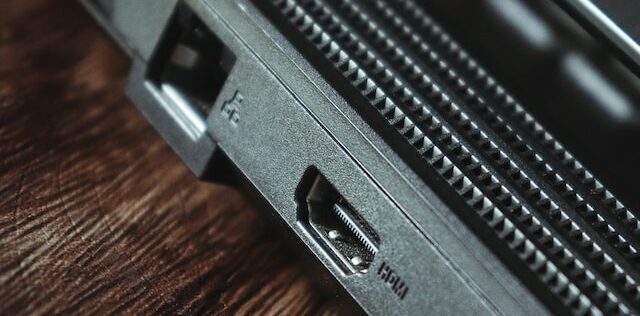
Another reason could be the HDMI cable, where wear and tear, bending, or damage to the connectors can cause issues. Try using a different HDMI cable to connect the devices and check if the problem persists. The source device may not be configured correctly to output audio or video through the HDMI port. Check the settings and ensure the correct audio and video output settings are selected. Some devices may require firmware updates or driver installations to ensure compatibility with HDMI ports.
Compatibility issues between devices may arise if they have different HDMI versions or do not support each other’s HDMI features. Check the HDMI specifications of the devices being connected and ensure compatibility. Display settings on the connected device may also cause issues if not set correctly, resulting in no signal being detected from the HDMI port.
Electromagnetic interference (EMI) may affect the performance of an HDMI port caused by other electronic devices or cables in close proximity to the HDMI cable or port. Route the HDMI cable away from other electronic devices or cables and use high-quality shielded HDMI cables to mitigate EMI.
Lastly, a firmware update may be necessary to address known issues or improve compatibility with other devices. Check the manufacturer’s website or support portal for any available firmware updates for the device with the non-working HDMI port, and follow the instructions to update the firmware if necessary.