When a PC case fan is not spinning, there can be several potential causes. Here are some of the most common reasons for this issue and how to troubleshoot them:
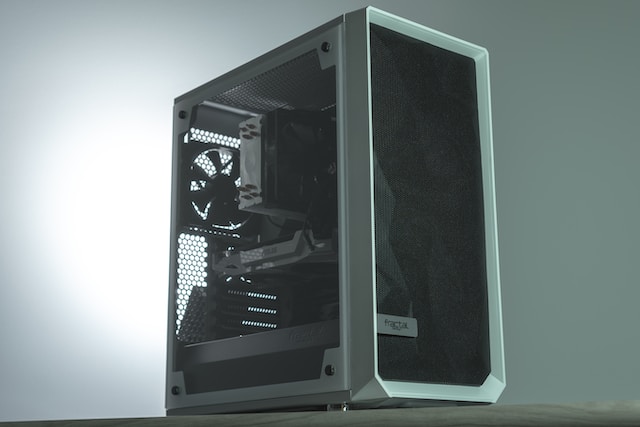
- Fan power cable is disconnected or faulty: This is one of the most common reasons for a case fan not spinning. Check the power cable connection from the fan to the motherboard or power supply unit (PSU). Make sure the connection is secure and not loose. If it is loose, re-connect it firmly. Also, check if the power cable is faulty. You can test this by swapping the power cable with another known good fan.
- Fan is not receiving power: If the power cable is connected securely and the fan is still not spinning, check if the fan is receiving power from the motherboard or PSU. You can test this by connecting the fan to a different power source like a different motherboard header or a PSU connector.
- Fan blades are obstructed: Check if the fan blades are obstructed by dust, debris, or cables. If the blades are obstructed, clean them gently with a soft brush or compressed air. Avoid using water or liquid cleaners as they can damage the fan.
- Fan bearings are worn out: Over time, the bearings in a case fan can wear out, causing it to stop spinning. If you suspect this is the cause, you can try lubricating the bearings with a drop of lightweight oil like sewing machine oil or WD-40. However, this is only a temporary solution, and you may need to replace the fan eventually.
- Fan motor is faulty: If none of the above solutions work, the fan motor may be faulty. You can test this by connecting the fan to a different power source like a different motherboard header or a PSU connector. If the fan still does not spin, it is likely that the motor is faulty, and you will need to replace the fan.
- Fan control settings are incorrect: Some motherboards or software may have fan control settings that can affect the speed of the fan. Make sure that the settings are not set to turn off the fan or run it at a low speed. You can check the settings in the BIOS or using software like SpeedFan.
In summary, if your PC case fan is not spinning, first check the power cable connection and make sure that the fan is receiving power. Next, check for any obstructions or damage to the fan blades. If these solutions do not work, you may need to replace the fan or lubricate the bearings. Finally, make sure that the fan control settings are correct and not limiting the fan speed.
PC Case Fan not spinning?