A recipe organizer is a practical tool designed to help you keep track of your favorite recipes, meal plans, and grocery lists. It can be a physical binder, a digital app, or a combination of both, making it easier to access and manage your culinary creations.
This guide will provide you with tips on how to effectively set up and maintain a recipe organizer, ensuring that your cooking experience is streamlined and enjoyable.
Creating Your Recipe Organizer
A recipe organizer serves as a valuable resource for anyone who enjoys cooking.
It helps keep your culinary creations in order, making meal preparation more efficient.
Whether you opt for a physical binder or a digital app, the key is to find a system that works for you.
Begin by selecting a format that suits your lifestyle.
If you prefer a tactile experience, a binder filled with printed recipes might be ideal.
On the other hand, if you enjoy the convenience of technology, a digital app can provide easy access to your recipes on the go.
Choosing the Right Categories
Organizing your recipes effectively is essential for quick access.
Consider categorizing them by type, such as appetizers, main courses, and desserts.
You might also want to include sections for specific cuisines or dietary preferences.
Creating a section for seasonal recipes or family favorites can simplify meal planning.
This way, you’ll always have inspiration at your fingertips, tailored to the time of year or your family’s tastes.
Gathering Your Materials
To set up your recipe organizer, you’ll need a few essential materials.
A sturdy binder or a reliable digital app is a must.
Dividers will help you sort your recipes into categories, while plastic sleeves can protect printed recipes from spills and splatters.
Labels are also helpful for easy identification of sections.
Consider using a notebook or a digital note-taking app for jotting down meal plans and grocery lists.
Having a grocery list template or app can streamline your shopping experience.
Organizing Your Recipes
Once you have your materials ready, it’s time to organize your recipes.
If using a binder, place printed recipes in plastic sleeves according to your chosen categories.
For a digital app, input your recipes and ensure they are categorized correctly for easy navigation.
Don’t forget to include a section for meal planning.
This can help you visualize your week’s meals and make grocery shopping more efficient.
Regularly updating your recipe collection will keep it fresh and relevant.
Maintaining Your Recipe Organizer
Keeping your recipe organizer up to date is crucial for its effectiveness.
Set aside time regularly to add new favorites and remove recipes that no longer appeal to you.
This will help maintain a streamlined collection that reflects your current cooking style.
Consider revisiting your meal plans and grocery lists to ensure they align with your culinary goals.
A well-maintained recipe organizer will enhance your cooking experience, making it enjoyable and stress-free.
Creating a Cozy Cooking Environment
The atmosphere in which you cook can greatly influence your experience.
A cozy kitchen setting, complete with fresh ingredients and cooking utensils, invites creativity.
Arrange your workspace to be functional yet inviting, encouraging you to spend time preparing meals.
Having your recipe organizer easily accessible in this environment can inspire you to try new dishes.
With everything in place, you’ll find that cooking becomes not just a task, but a delightful experience.
How to Organize Your Recipes
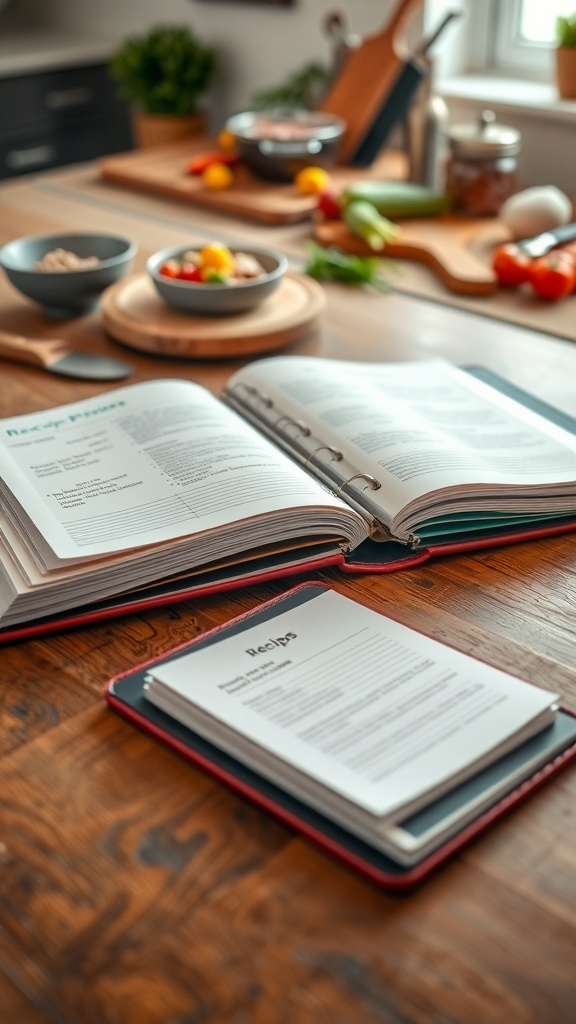
Organizing your recipes involves categorizing them by type, cuisine, or dietary preference. You can create sections for appetizers, main courses, desserts, and more. Additionally, consider including a section for seasonal recipes or family favorites to make meal planning easier.
Ingredients
- Binder or digital app for organization
- Dividers or categories for sorting
- Plastic sleeves for printed recipes
- Labels for easy identification
- Notebook or digital note-taking app for meal planning
- Grocery list template or app
Instructions
- Choose Your Format: Decide whether you want a physical binder or a digital app for your recipe organizer.
- Create Categories: Set up sections for different types of recipes, such as appetizers, main dishes, desserts, and beverages.
- Organize Recipes: Place printed recipes in plastic sleeves or input them into your digital app, ensuring they are categorized correctly.
- Add Meal Plans: Include a section for weekly or monthly meal planning to help streamline your grocery shopping.
- Maintain Your Organizer: Regularly update your recipe collection by adding new favorites and removing those you no longer use.
Cook and Prep Times
- Prep Time: 15 minutes
- Total Time: Ongoing
- Servings: N/A
- Calories: N/A
- Fat: N/A
- Protein: N/A
- Carbohydrates: N/A
Related
- Homemade Sauces and Condiments Organizer
- DIY Egg Organizer for Your Kitchen
- Simple Notion Recipe Organizer
- Christmas Wishlist Organizer