Screen sharing is the process of transmitting the content of one device’s screen to another device’s display. It can be used for a variety of purposes, such as sharing presentations, showing photos or videos, or streaming games. One way to achieve screen sharing is through a technology called Miracast.
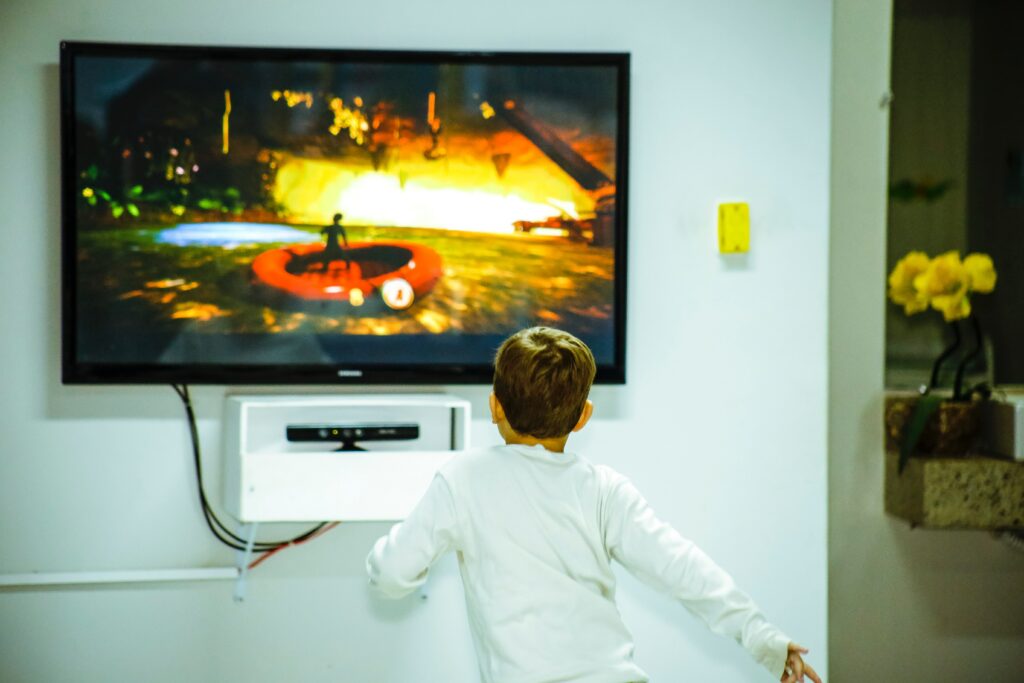
Miracast is a wireless display standard that allows you to stream content from one device to another, without the need for cables or a network connection. It works by creating a direct Wi-Fi connection between the two devices, similar to how a Wi-Fi hotspot works. Once the connection is established, the content from the sender’s screen is transmitted to the receiver’s screen in real-time.
To use Miracast, both the sender and receiver devices need to support the Miracast standard. Most modern smartphones, tablets, and laptops support Miracast, as do many smart TVs and streaming devices. If your devices do not support Miracast, you may be able to use a Miracast adapter to add support.
To start screen sharing using Miracast, you need to follow these steps:
Make sure both devices are connected to the same Wi-Fi network or that they support Miracast Direct.
On the sending device, go to the Settings app and look for the Display or Screen Mirroring option. This may be under a different name depending on the device.
Select the device you want to connect to from the list of available devices.
If prompted, enter the PIN code displayed on the receiving device.
The sending device’s screen should now appear on the receiving device’s display.
Miracast has several advantages over other screen sharing methods. For one, it does not require a network connection or internet access, which means it can be used in areas without Wi-Fi or cellular coverage. It also supports high-definition video and audio, making it ideal for streaming movies or playing games. Additionally, Miracast has low latency, which means there is minimal delay between the sender’s actions and the receiver’s display.
However, there are also some drawbacks to using Miracast. One is that it requires both devices to support the Miracast standard, which may not always be the case. It also relies on Wi-Fi, which can be prone to interference and signal drops, especially in crowded areas. Finally, Miracast does not support all types of content, such as protected content like DRM-protected videos or certain apps.
In conclusion, Miracast is a convenient and easy way to share your screen with another device. It is widely supported by many modern devices and offers high-quality video and low latency. However, it does have some limitations, and you may need to use alternative methods depending on your devices and content.