External hard drives are commonly used to provide extra storage space and portability for users. However, it can be frustrating when the device keeps disconnecting, which may lead to data loss. This essay discusses the reasons why external hard drives may disconnect frequently and the measures that users can take to avoid such problems.
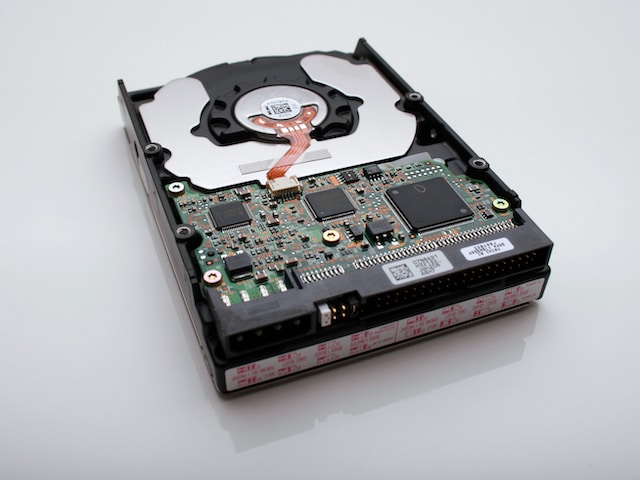
One of the major reasons for external hard drive disconnection is USB port issues, such as loose connections, dirty ports, or faulty ports. The poor power supply can also lead to disconnection, resulting from insufficient power from the USB port or damaged power cables. Outdated, corrupt, or missing drivers may also cause the device to disconnect. Additionally, damaged or faulty cables, including frayed or broken cables, loose connections, or damaged connectors, can result in disconnection. Finally, software issues like security software, disk management software, or other applications may interfere with the device’s operation, leading to disconnection.
To prevent external hard drives from disconnecting, users can take a few measures. They can check the USB port for cleanliness, ensure that it is firmly connected to the external hard drive, and try using a different port or a USB hub if necessary. Users should also check the power supply, ensuring that the power cable is connected securely and is not damaged, or if the device is powered by the USB port, that it provides enough power for the device to function. Updating drivers from the manufacturer’s website is also essential to ensure the device’s driver is up-to-date. If the cable connecting the external hard drive to the computer is damaged or faulty, users can replace it with a new cable. Finally, users should check for any software that may be interfering with the device’s operation and disable such software.
In conclusion, external hard drives may disconnect due to USB port issues, power issues, driver issues, cable issues, or software issues. To prevent disconnection, users can take measures such as checking the USB port and power supply, updating drivers, replacing cables, and checking for interfering software. These measures can help users prevent external hard drives from disconnecting and avoid data loss.