As a gamer or graphic designer, a graphics card is a crucial component that can enhance the performance of your computer by processing and rendering graphical data. However, there are times when you may encounter an issue with your graphics card having only one HDMI port, and you need to connect multiple displays. In this article, we will discuss some possible solutions to overcome this problem.
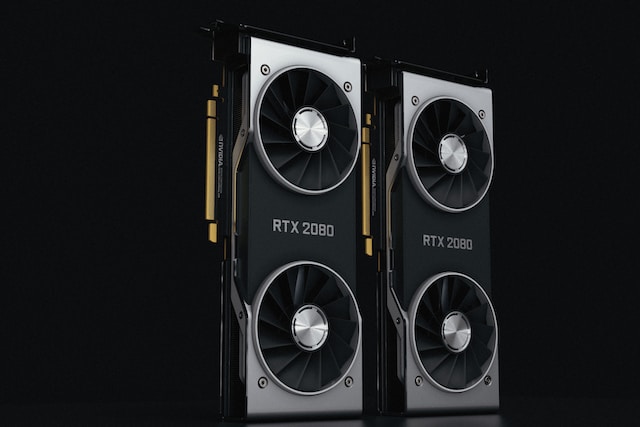
The first step is to check your graphics card’s specifications, as some graphics cards come with multiple ports like HDMI, DVI, DisplayPort, or VGA, making it easy to connect multiple displays using different cables and adapters. However, if your graphics card only has one HDMI port, you need to explore other options.
One solution is to use an HDMI splitter, which is a device that lets you connect one HDMI source to multiple displays. You can connect the HDMI output of your graphics card to the input of the splitter and then connect the splitter’s outputs to your displays. However, bear in mind that using an HDMI splitter will duplicate the same display on all connected displays. Therefore, you cannot extend your desktop, and all connected displays will show the same content.
Another option is to use an HDMI switch, which is a device that lets you switch between multiple HDMI sources and output them to a single display. In this case, you can connect multiple HDMI sources to the switch and then connect the switch’s output to your display. This solution is useful if you have multiple devices that you want to connect to a single display, such as a gaming console, a Blu-ray player, and a computer.
If you need to extend your desktop and use multiple displays independently, you can consider upgrading your graphics card to one with multiple ports. However, this solution may not be viable for everyone, as upgrading your graphics card can be expensive.
Another possible solution is to use a docking station or hub, which is a device that allows you to expand the connectivity options of your computer. You can connect multiple displays, USB devices, and other peripherals to the docking station or hub and then connect it to your computer using a single cable. Nevertheless, not all docking stations or hubs support multiple displays, so it’s important to check the specifications before making a purchase.
In conclusion, if your graphics card only has one HDMI port, you have several options to connect multiple displays. Each solution has its own pros and cons, so it’s important to choose the one that best suits your needs and budget. With the right setup, you can enjoy a seamless multi-display experience, and enhance your productivity or gaming experience.