If your Vizio TV is stuck on the terms and conditions screen, it could be due to a few different reasons. Here are some steps you can take to try to resolve the issue:
- Restart the TV The first step is to try restarting your Vizio TV. This can often resolve minor issues and get your TV back to functioning properly. To restart your TV, unplug it from the power outlet for at least 30 seconds, and then plug it back in.
- Accept the terms and conditions If your Vizio TV is stuck on the terms and conditions screen, it could be because you haven’t accepted the terms yet. Use your TV remote to scroll through the terms and conditions and accept them if you haven’t already. Once you accept the terms and conditions, the TV should proceed to the next step.
- Check your network connection If your Vizio TV is having trouble connecting to the internet, it could be stuck on the terms and conditions screen. Check your network connection to make sure your TV is connected to the internet. You can do this by going to the network settings on your TV and ensuring that your Wi-Fi network is selected and connected.
- Reset your TV to factory settings If none of the above steps work, you may need to reset your Vizio TV to its factory settings. This will erase all of the settings and data on your TV, so it’s important to back up any important data before proceeding. To reset your Vizio TV to factory settings, follow these steps:
- Press the Menu button on your TV remote.
- Select System.
- Select Reset & Admin.
- Select Reset TV to Factory Settings.
- Follow the on-screen instructions to reset your TV.
- Contact Vizio support If none of the above steps work, it’s possible that there is a hardware issue with your Vizio TV. In this case, you may need to contact Vizio support for further assistance. You can do this by visiting the Vizio website and selecting Support from the main menu. From there, you can access the support center and contact Vizio for help with your TV.
In conclusion, if your Vizio TV is stuck on the terms and conditions screen, try restarting the TV, accepting the terms and conditions, checking your network connection, or resetting your TV to factory settings. If none of these steps work, contact Vizio support for further assistance.
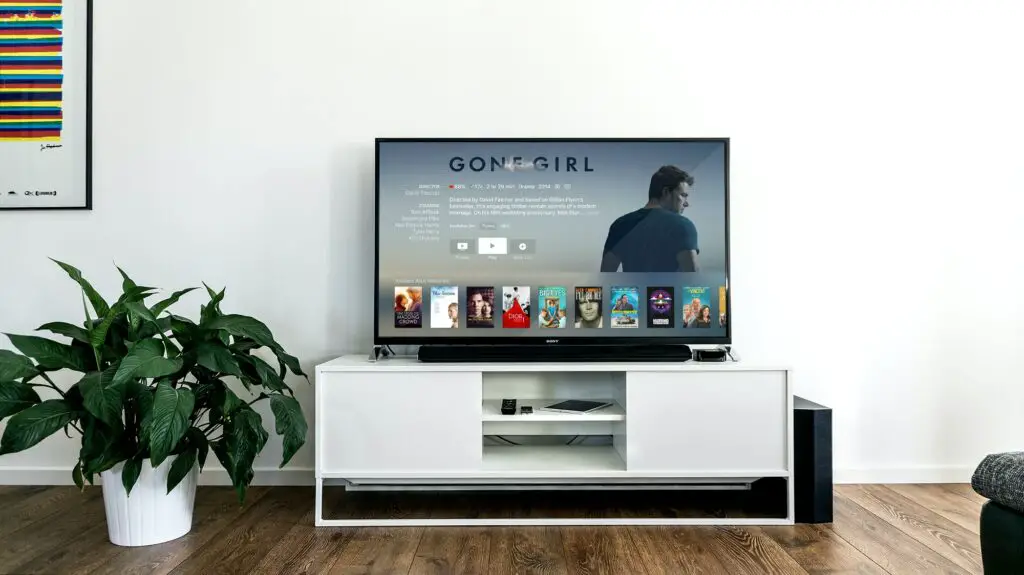
Vizio TV Stuck on terms and conditions