Installing a new hard drive can be an effective way to increase your computer’s storage capacity or replace a malfunctioning drive. Once the physical installation is complete, there are a few steps you’ll need to take to ensure your computer detects and properly uses the new hard drive.
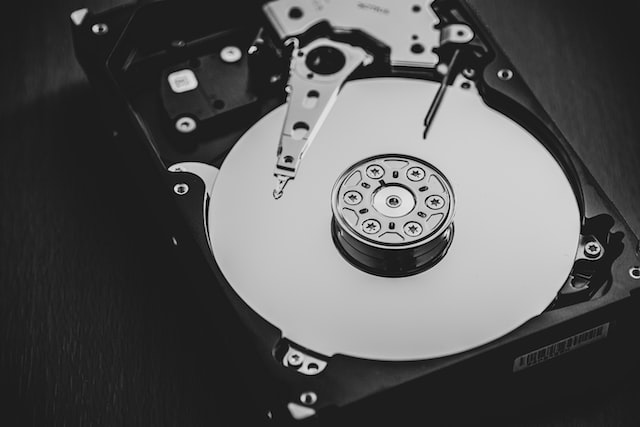
To begin with, you need to format the hard drive. This process involves preparing the hard drive for use and setting up a file system. Formatting a hard drive can be accomplished through the operating system of your computer. If you are using a Windows computer, navigate to the control panel and access “Computer Management”. Then select “Disk Management” and right-click on the newly installed drive. You should then select the option to “Format” and follow the prompts to complete the formatting process.
Once the hard drive is formatted, you may want to partition it. Partitioning a hard drive means dividing it into smaller partitions for better organization and functionality. This could include creating separate partitions for your operating system, personal files, and backups. You can partition the hard drive using the same “Disk Management” tool as before.
Now that the hard drive is formatted and partitioned, you need to assign it a drive letter. A drive letter is how your computer identifies the hard drive. To assign a drive letter, open “Disk Management” and right-click on the partition you want to assign a letter to. Select “Change Drive Letter and Paths” and then “Add”. Choose the drive letter you want to use from the drop-down menu and click “OK”.
If you are replacing an existing hard drive, you need to transfer data from the old drive to the new one. This can be done using backup or migration tools, or by manually copying files to the new hard drive.
In some cases, you may need to update the drivers for your computer’s hard drive controller to ensure that the new hard drive is recognized and functioning correctly. You can check the manufacturer’s website for updated drivers or use the device manager to automatically search and install them.
To protect your data in case of a hard drive failure, it’s a good idea to set up automatic backups. You can use the built-in backup tools of your operating system, or use third-party backup software.
Finally, you may want to optimize the new hard drive for better performance. This can be accomplished by defragmenting the drive, disabling unnecessary startup programs, and removing temporary files.
In summary, installing a new hard drive involves formatting and partitioning it, assigning it a drive letter, transferring data from an old hard drive (if applicable), updating drivers, setting up automatic backups, and optimizing the hard drive for better performance. By following these steps, you can ensure that your new hard drive is fully functional and ready to use.