There are several potential reasons why your phone may only be charging to 85%. In this response, we will explore some of the most common causes.
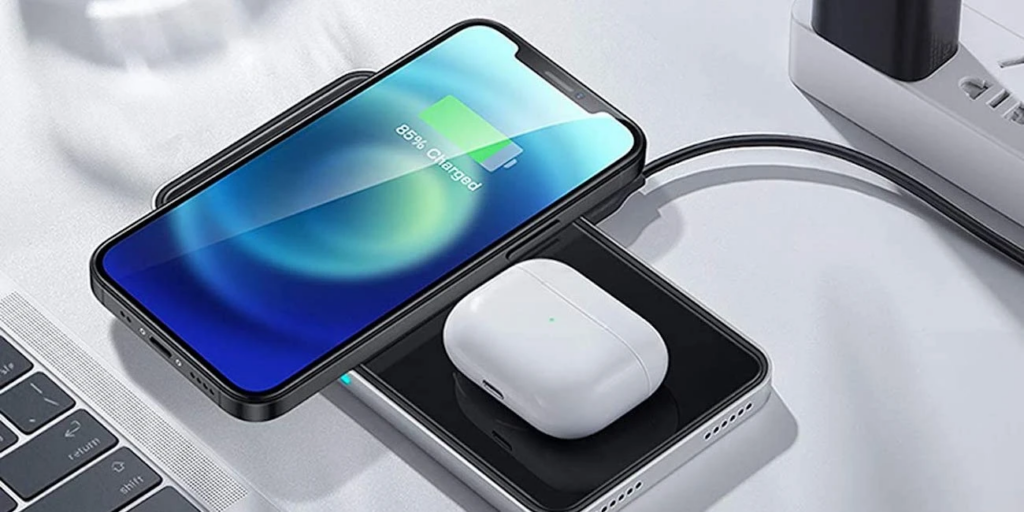
- Battery Age and Wear:
The most likely reason why your phone may only be charging to 85% is due to battery age and wear. Lithium-ion batteries (the type of battery used in most smartphones) naturally degrade over time and can no longer hold as much charge as they did when they were new. This degradation is typically gradual, but it can also be accelerated by factors such as high temperatures, frequent deep discharges, and charging the battery to 100% or letting it drain completely.
As the battery degrades, it may begin to reach its maximum charge capacity at a lower level than it used to. For example, a battery that used to be able to charge to 100% may now only be able to charge to 85%. If this is the case, then the only solution is to replace the battery.
- Battery Calibration:
Another possible reason why your phone may only be charging to 85% is due to incorrect battery calibration. Battery calibration is the process of teaching your phone’s operating system how to read the battery level accurately. If the calibration is off, then the phone may think the battery is at 100% when it is actually only at 85%.
To recalibrate the battery, you can try the following steps:
- Let the battery drain completely until the phone turns off.
- Charge the phone to 100% without turning it on.
- Keep the phone plugged in for an additional hour after it reaches 100%.
- Turn on the phone and use it normally.
If the battery calibration was the issue, then this process should resolve the problem.
- Charging Cable or Port:
Another potential reason why your phone may only be charging to 85% is due to a faulty charging cable or port. If there is a problem with the cable or port, then the phone may not be able to charge the battery fully.
To determine if this is the problem, try the following:
- Use a different charging cable and/or port to charge the phone.
- Clean the charging port with a soft-bristled brush or a toothpick to remove any debris or dust that may be blocking the connection.
If the issue was with the charging cable or port, then replacing them should resolve the problem.
- Software Issues:
Finally, there may be software issues causing your phone to only charge to 85%. Sometimes, a glitch in the operating system or a rogue app can prevent the battery from charging to its full capacity.
To troubleshoot this issue, try the following:
- Restart your phone: A simple restart can often resolve minor software issues.
- Check for software updates: Make sure your phone’s operating system and apps are up to date.
- Boot your phone in safe mode: This will disable all third-party apps and allow you to determine if an app is causing the problem.
- Perform a factory reset: This should be a last resort, but if all else fails, a factory reset will erase all data and settings on your phone and return it to its original state.
In conclusion, the reason why your phone may only be charging to 85% can be due to several factors. Battery age and wear, battery calibration, charging cable or port issues, and software issues are some of the most common reasons. If the issue is due to battery wear, then replacing the battery is the only solution. If it’s a software issue, then restarting the phone, checking for updates, booting in safe mode, or performing a factory reset may resolve the problem.